> ## Documentation Index
> Fetch the complete documentation index at: https://docs.turbodev.ai/llms.txt
> Use this file to discover all available pages before exploring further.
# Bot Management
> Effectively manage your bot flows in Turbodev by duplicating, editing, or deleting cards with ease. You can also review bot session logs to understand how users interact with your bot and identify areas for improvement.
## Managing Cards
### Duplicate Cards
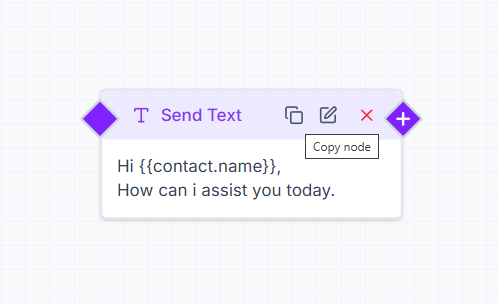
To duplicate a card within a bot flow, click on the **Duplicate** option available on the card. This helps you quickly reuse the same logic or message without rebuilding it from scratch.
 ### Edit Cards
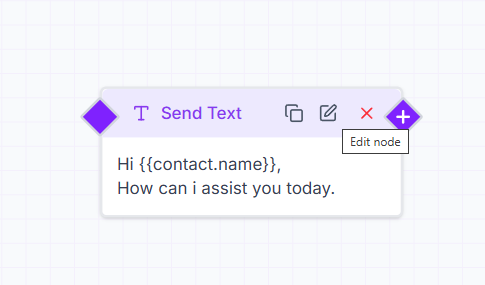
To make changes to an existing card, click on the **Edit (pencil)** icon. You can update the content, settings, or logic and save the changes instantly.
### Edit Cards
To make changes to an existing card, click on the **Edit (pencil)** icon. You can update the content, settings, or logic and save the changes instantly.
 ### Delete Cards
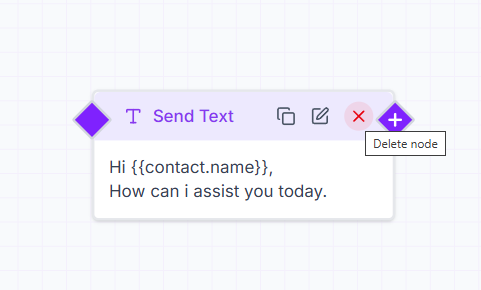
If a card is no longer required, click on the **Delete (X)** icon to remove it from the bot flow. Use this carefully, as deleting a card removes it permanently from the flow.
### Delete Cards
If a card is no longer required, click on the **Delete (X)** icon to remove it from the bot flow. Use this carefully, as deleting a card removes it permanently from the flow.
 ## Bot Session Logs
Bot session logs provide detailed insights into how users interact with your bot. These logs show when a bot was triggered, how users moved through the flow, and where conversations may have dropped off.
## Bot Session Logs
Bot session logs provide detailed insights into how users interact with your bot. These logs show when a bot was triggered, how users moved through the flow, and where conversations may have dropped off.
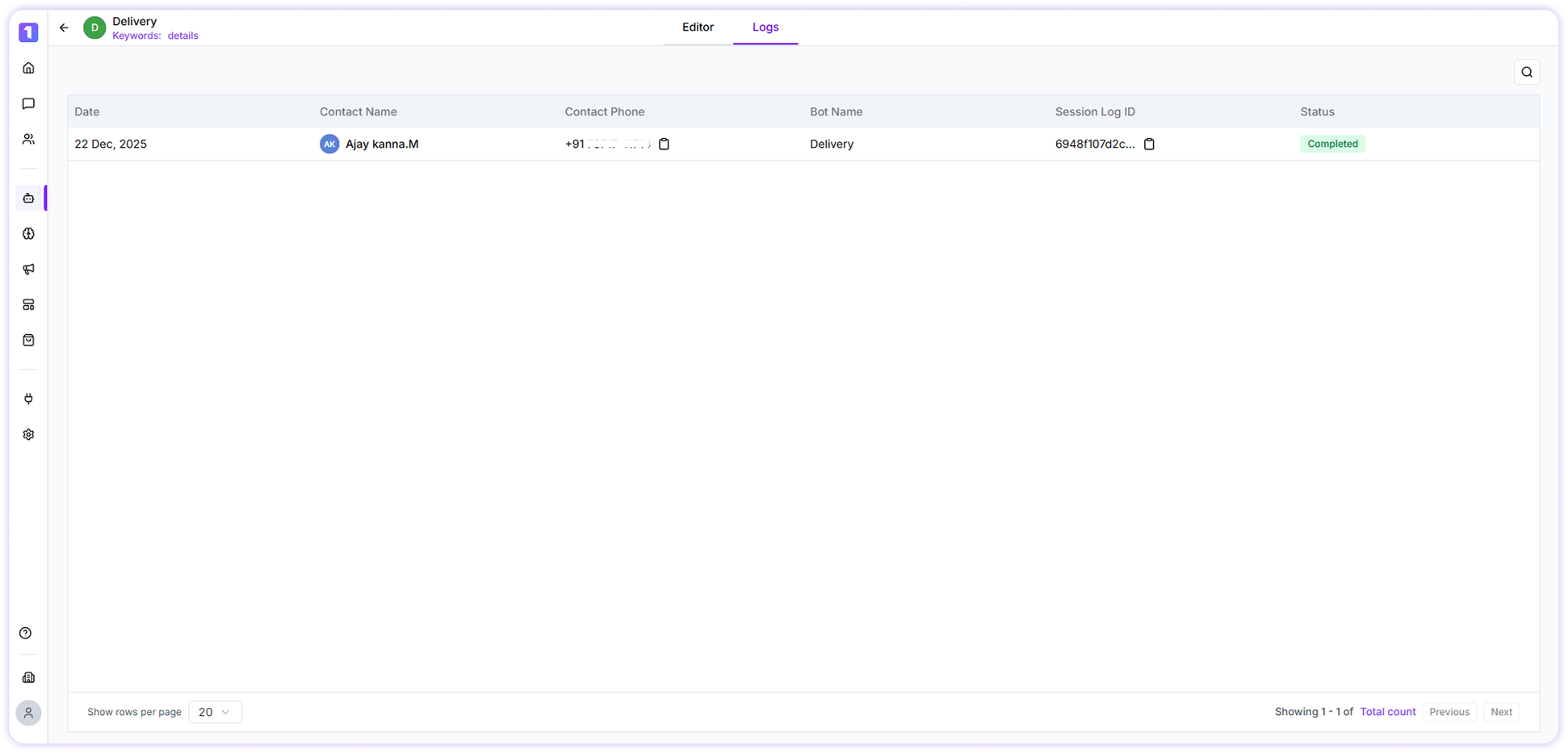 By reviewing session logs, you can understand user behavior, identify bottlenecks, and optimize your bot flows for better engagement and completion rates.
You can also **export bot session logs** by selecting the required bot flow and date range. This allows you to analyze data externally or share reports with your team.
By reviewing session logs, you can understand user behavior, identify bottlenecks, and optimize your bot flows for better engagement and completion rates.
You can also **export bot session logs** by selecting the required bot flow and date range. This allows you to analyze data externally or share reports with your team.