> ## Documentation Index
> Fetch the complete documentation index at: https://docs.turbodev.ai/llms.txt
> Use this file to discover all available pages before exploring further.
# Send Media
> Share media content with your customers using the Send Media card in Turbodev. This card allows you to send audio, images, videos, and documents directly within conversations or automation flows.
### Overview
Use the **Send Media** card whenever you need to share any media file with your customers. Turbodev supports sending **Audio, Image, Video, and Document** files, provided they meet the supported size limits and formats.
### Audio
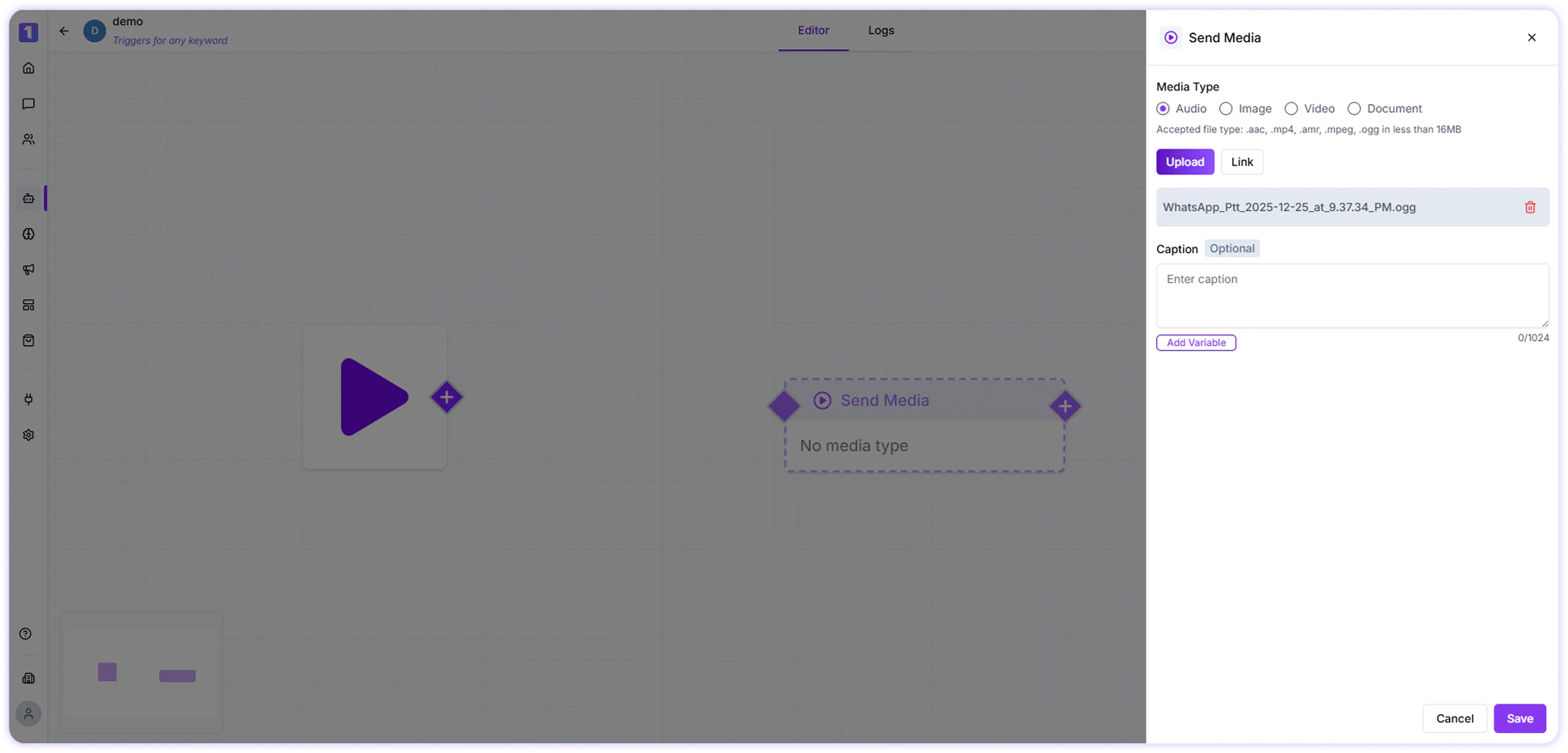
You can attach pre-recorded audio files to send voice notes or audio messages to customers.
* Maximum file size: **16 MB**
* Supported formats: **aac, mp4, amr, mpeg, ogg**
 ### Image
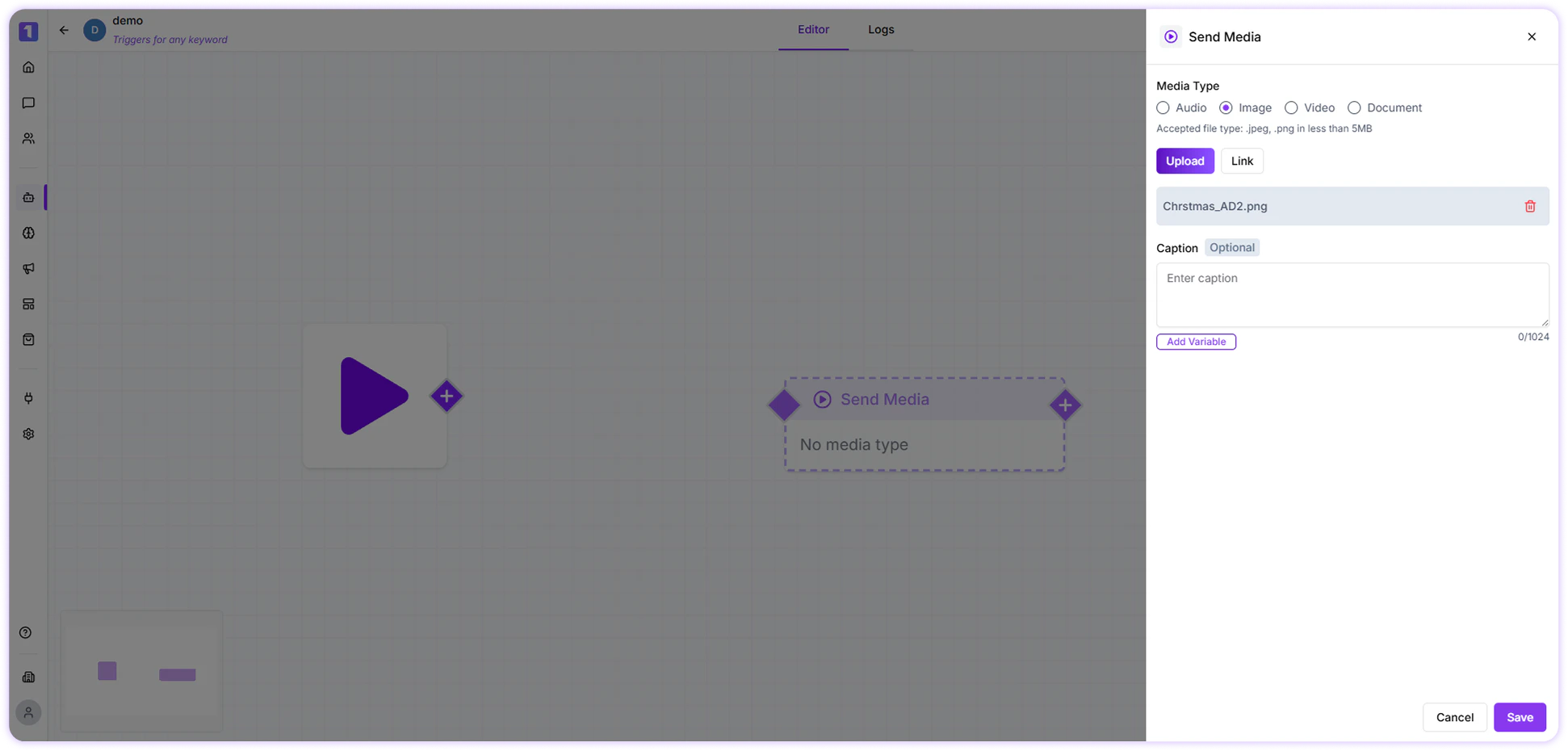
Images can be shared to visually explain information, showcase products, or send creatives.
* Maximum file size: **5 MB**
* Supported formats: **jpeg, png**
* You can add a **caption** to provide context or description for the image
### Image
Images can be shared to visually explain information, showcase products, or send creatives.
* Maximum file size: **5 MB**
* Supported formats: **jpeg, png**
* You can add a **caption** to provide context or description for the image
 ### Video
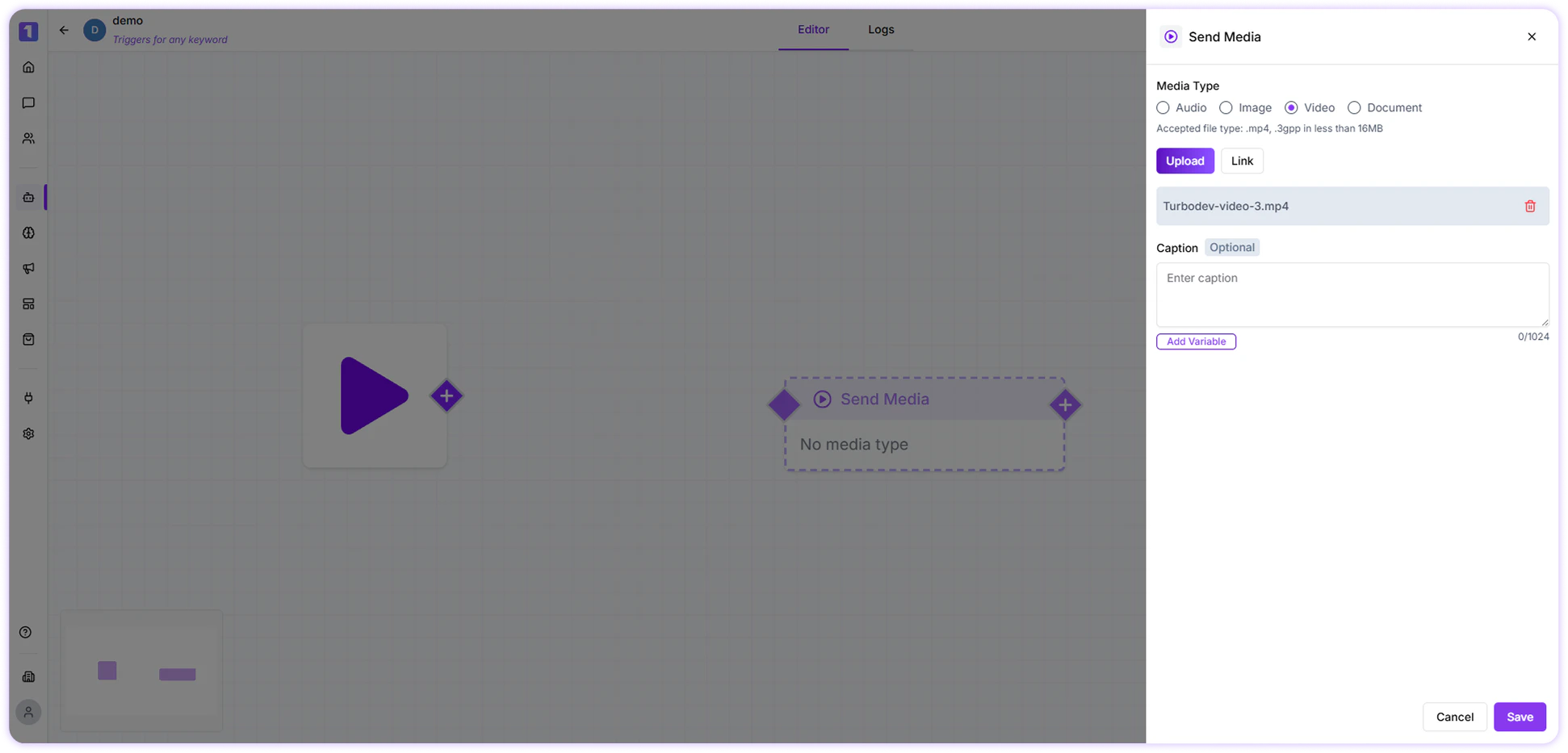
Videos help deliver detailed explanations, demos, or walkthroughs.
* Maximum file size: **16 MB**
* Supported formats: **mp4, 3gpp**
* You can include a **caption** to describe the video or guide the customer
### Video
Videos help deliver detailed explanations, demos, or walkthroughs.
* Maximum file size: **16 MB**
* Supported formats: **mp4, 3gpp**
* You can include a **caption** to describe the video or guide the customer
 ### Document
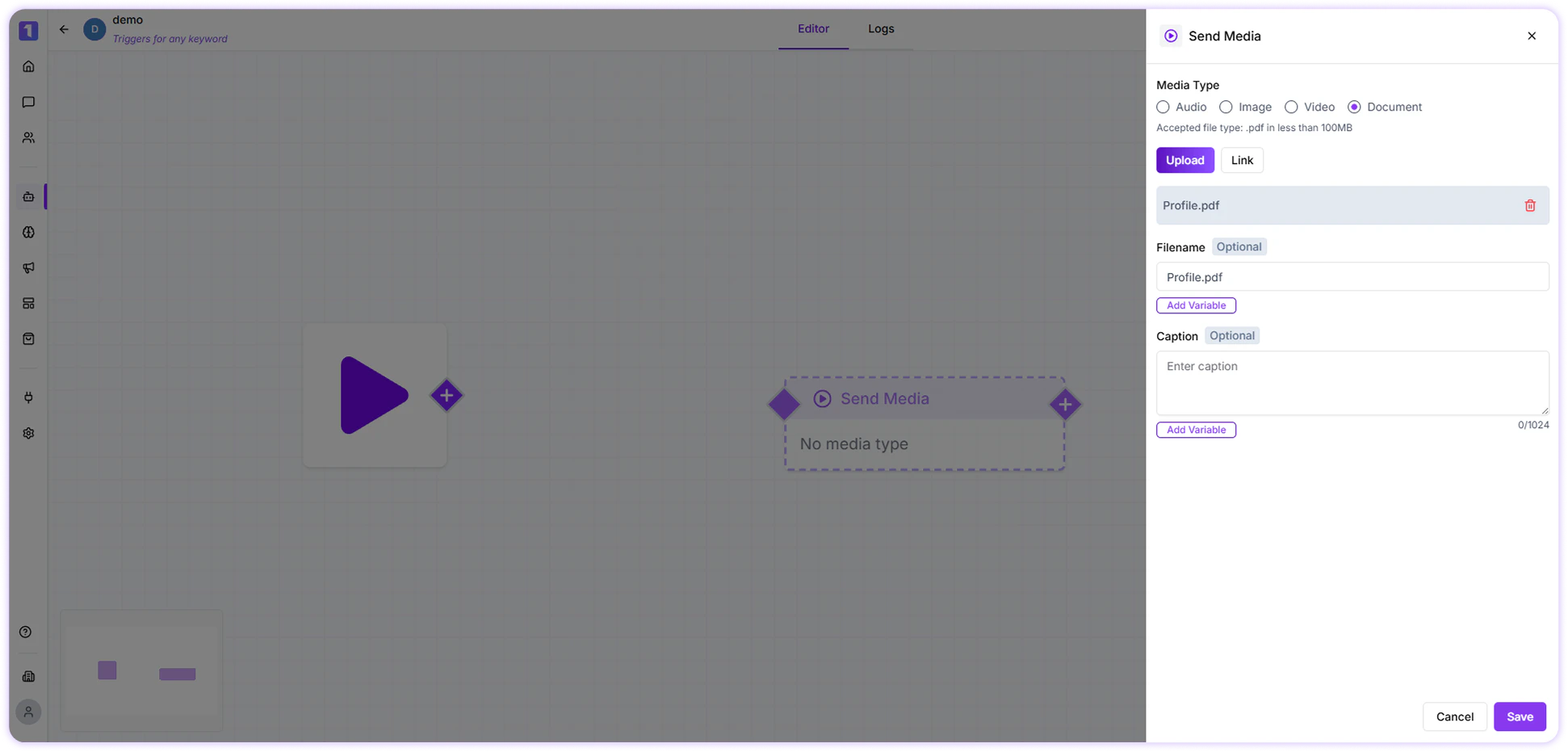
Documents such as PDFs, brochures, invoices, or guides can be sent directly to customers.
* Maximum file size: **16 MB**
### Document
Documents such as PDFs, brochures, invoices, or guides can be sent directly to customers.
* Maximum file size: **16 MB**
 Instead of uploading a file, you can also **paste a direct media link** (audio, image, video, or document) and send it to the customer through the Send Media card.
### Edit, Duplicate, or Delete Send Media Card
While building or editing a flow, you can manage the Send Media card easily:
* **Edit** the card to change the media or caption
* **Duplicate** the card to reuse it elsewhere in the flow
* **Delete** the card if it’s no longer required
Instead of uploading a file, you can also **paste a direct media link** (audio, image, video, or document) and send it to the customer through the Send Media card.
### Edit, Duplicate, or Delete Send Media Card
While building or editing a flow, you can manage the Send Media card easily:
* **Edit** the card to change the media or caption
* **Duplicate** the card to reuse it elsewhere in the flow
* **Delete** the card if it’s no longer required
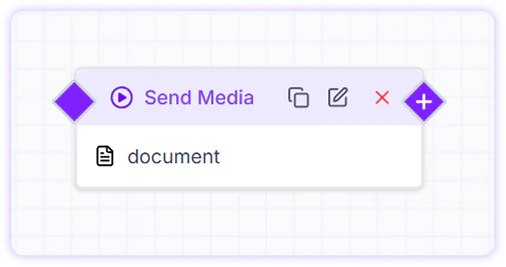 These options appear when you hover over the Send Media card, making media management quick and flexible.