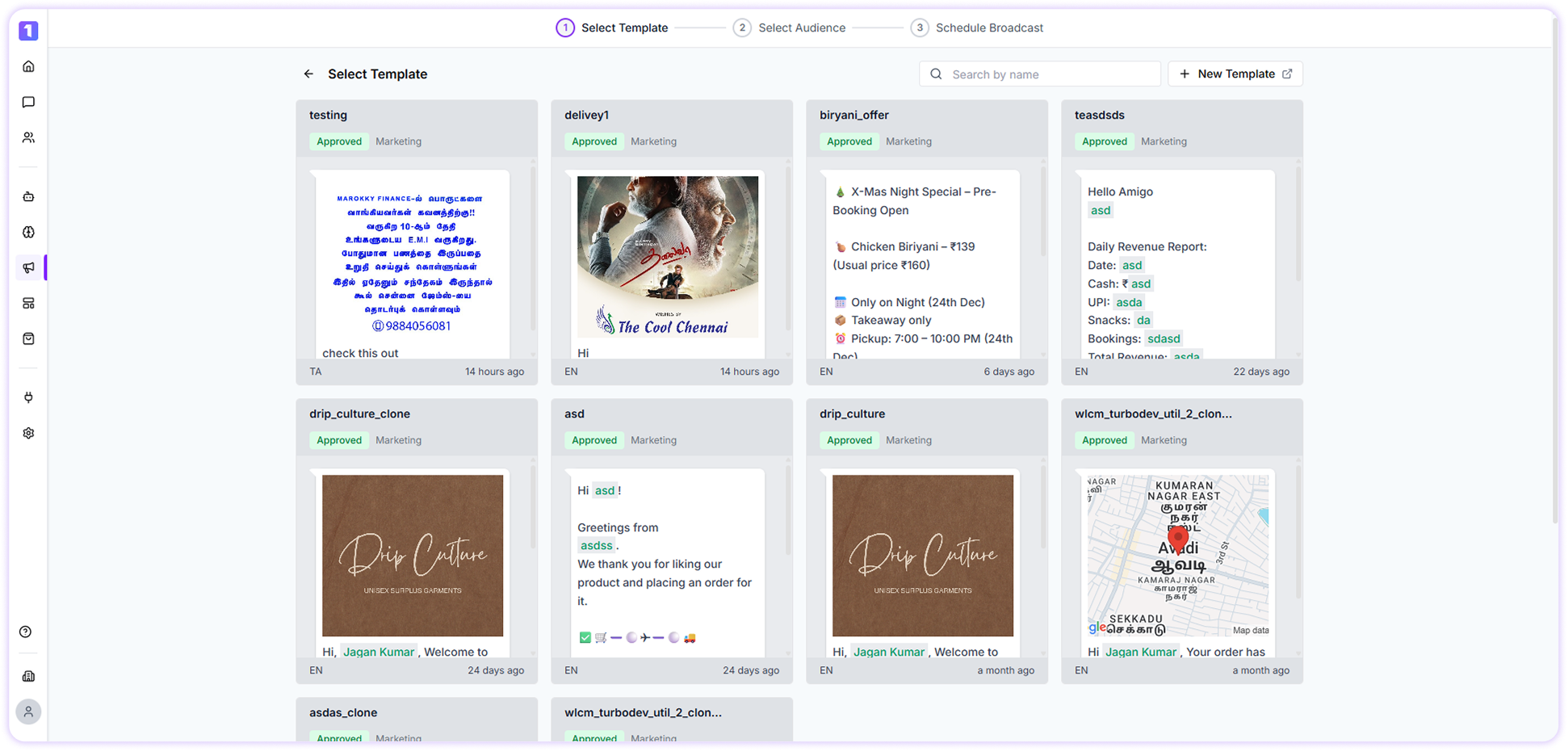
> ## Documentation Index
> Fetch the complete documentation index at: https://docs.turbodev.ai/llms.txt
> Use this file to discover all available pages before exploring further.
# Turbodev Broadcast
> With TurboDev’s Broadcast feature, sending messages, updates, and promotional campaigns to a large audience is simple and efficient. Reach multiple customers at once on WhatsApp without manual follow-ups.
### Overview
One of the powerful features offered by TurboDev is its **Broadcast functionality**.
If you’re looking to send announcements, offers, or important updates to a large group of contacts, TurboDev makes the process seamless. Creating and sending broadcast messages is intuitive, helping you engage your audience quickly and at scale.
### Broadcast Dashboard
The **Broadcast Dashboard** in TurboDev acts as a centralized space to create, manage, and track all your broadcast campaigns.
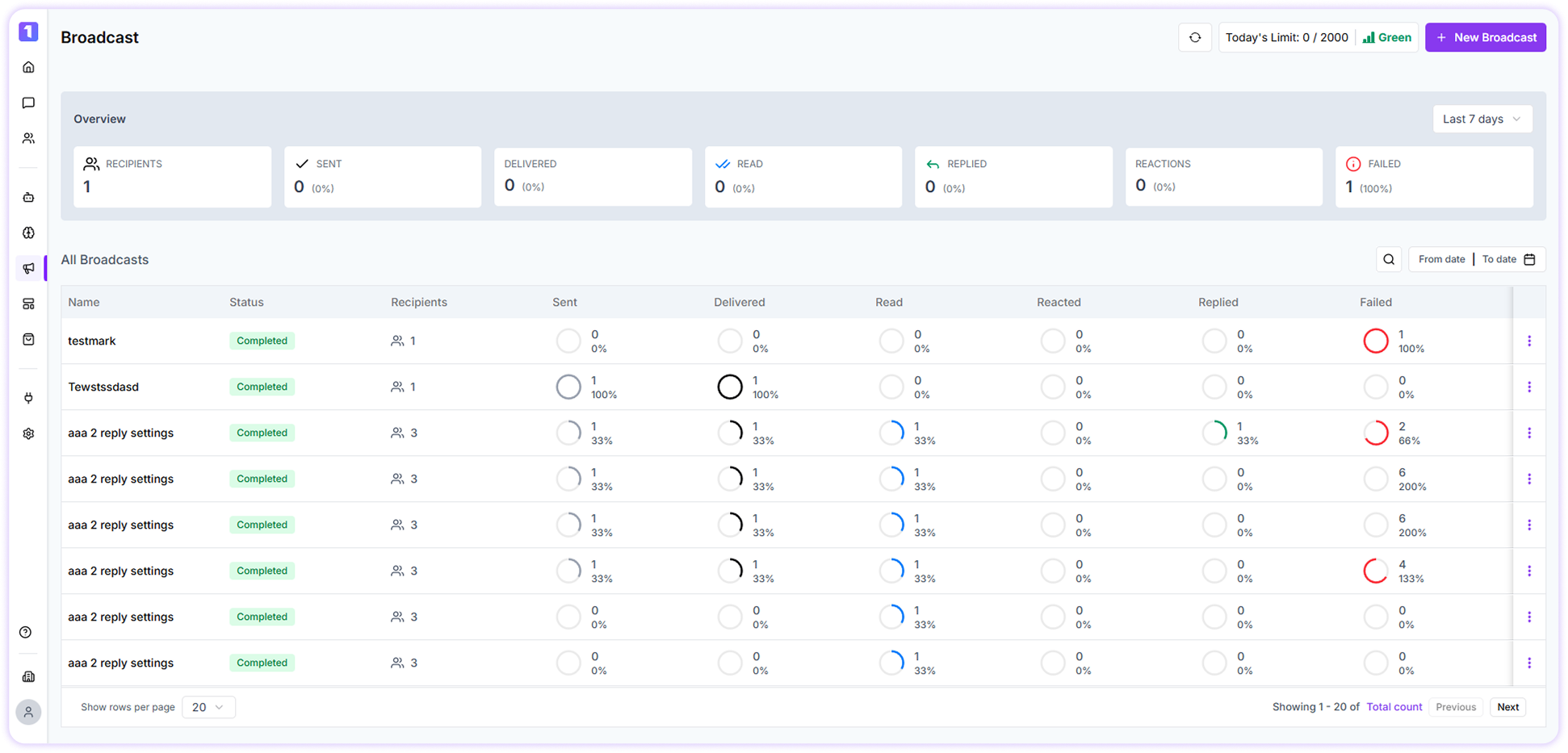 From here, you can:
* Switch between available WhatsApp channels
* View your daily broadcast sending limits
* Monitor the quality rating of your WhatsApp number
### Create Your First Broadcast
To create your first broadcast, click on the **Create Broadcast** button located at the top-right corner of the screen and follow the guided steps to send your message.
From here, you can:
* Switch between available WhatsApp channels
* View your daily broadcast sending limits
* Monitor the quality rating of your WhatsApp number
### Create Your First Broadcast
To create your first broadcast, click on the **Create Broadcast** button located at the top-right corner of the screen and follow the guided steps to send your message.