> ## Documentation Index
> Fetch the complete documentation index at: https://docs.turbodev.ai/llms.txt
> Use this file to discover all available pages before exploring further.
# Contact Deletion
> Turbodev allows you to remove contacts easily when they are no longer required. Contacts can be deleted individually or in bulk, helping you keep your contact list clean and up to date. Please note that once a contact is deleted, the data cannot be recovered.
### Delete Contacts Individually
Open the contact you want to remove, click on the **Delete** option, and confirm the action.
 ### Bulk Delete Contacts
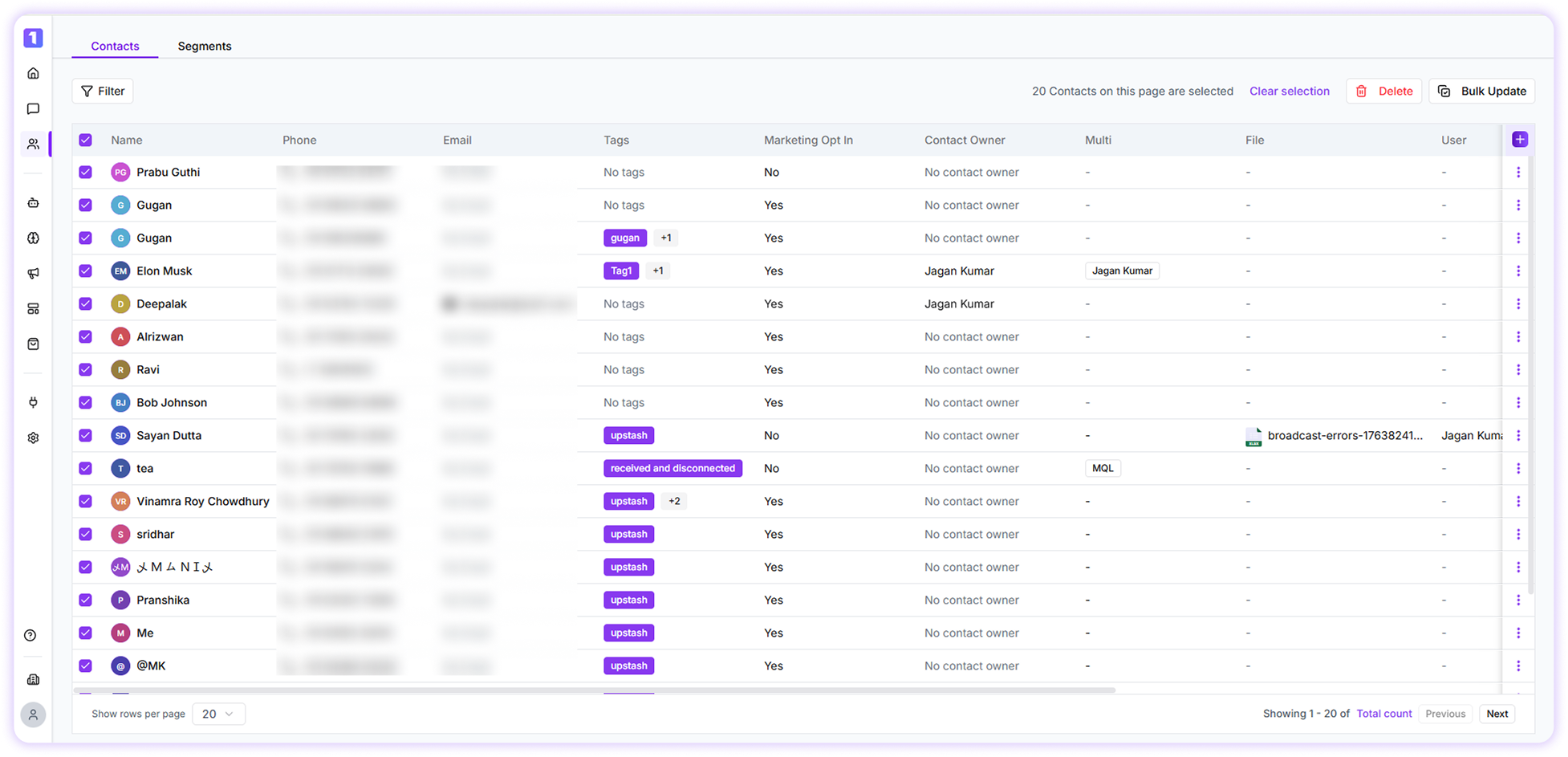
Select multiple contacts by checking the boxes next to their names, then click **Delete** to remove all selected contacts at once.
### Bulk Delete Contacts
Select multiple contacts by checking the boxes next to their names, then click **Delete** to remove all selected contacts at once.
 ### Bulk Delete Contacts Using Filters
Apply filters to narrow down contacts based on specific conditions, select the filtered contacts, and click **Delete** to remove them in bulk.
Deleted contacts cannot be restored. It is recommended to carefully review the selected contacts before confirming deletion.
### Bulk Delete Contacts Using Filters
Apply filters to narrow down contacts based on specific conditions, select the filtered contacts, and click **Delete** to remove them in bulk.
Deleted contacts cannot be restored. It is recommended to carefully review the selected contacts before confirming deletion.