Managing Cards
Duplicate Cards
To duplicate a card within a bot flow, click on the Duplicate option available on the card. This helps you quickly reuse the same logic or message without rebuilding it from scratch.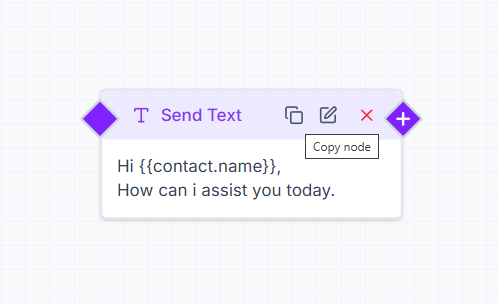
Edit Cards
To make changes to an existing card, click on the Edit (pencil) icon. You can update the content, settings, or logic and save the changes instantly.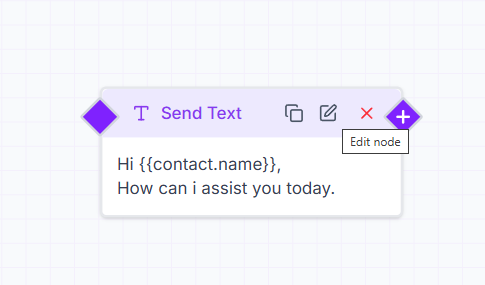
Delete Cards
If a card is no longer required, click on the Delete (X) icon to remove it from the bot flow. Use this carefully, as deleting a card removes it permanently from the flow.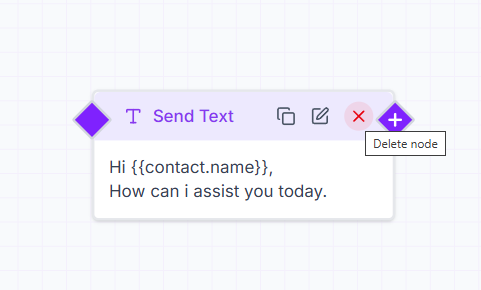
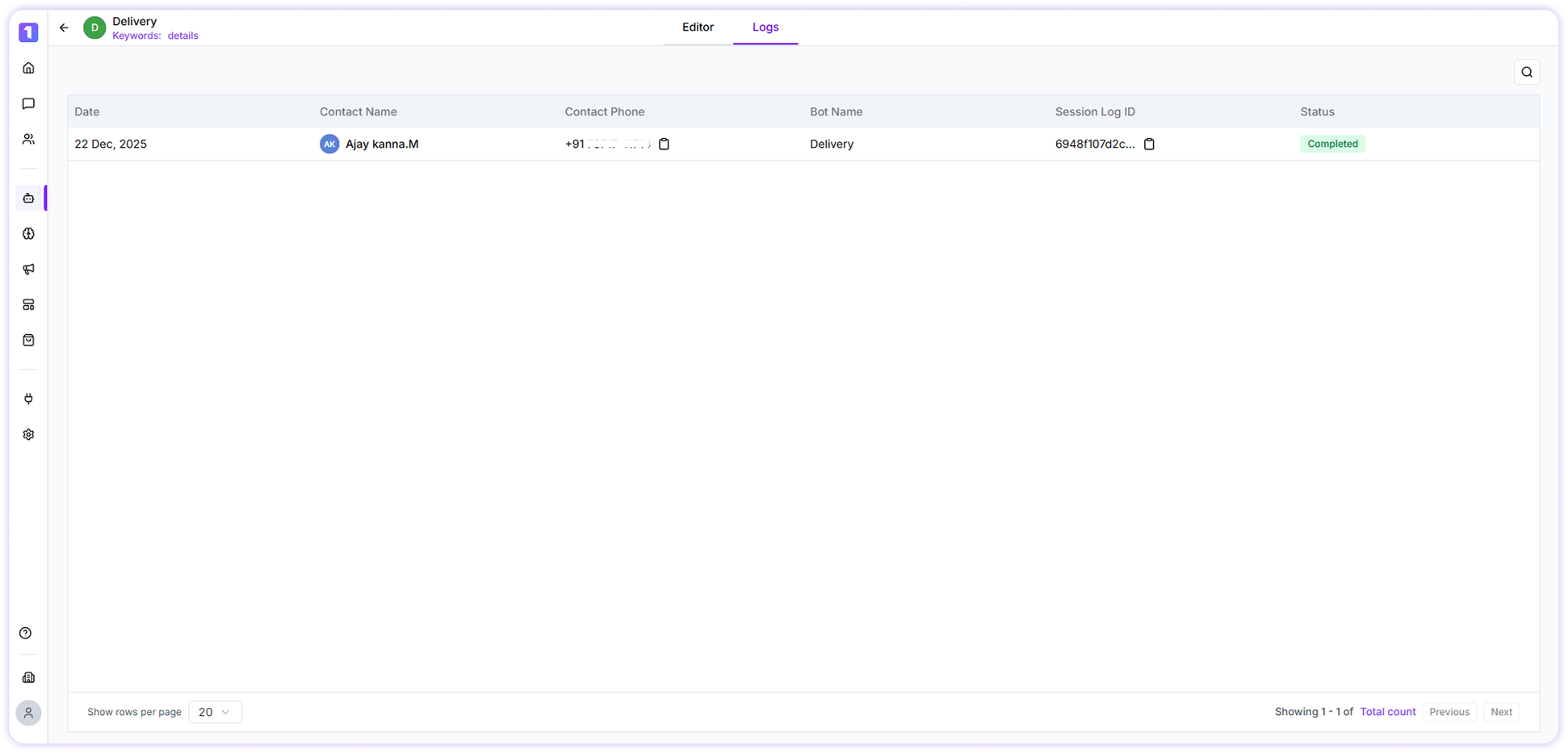
Bot Session Logs
Bot session logs provide detailed insights into how users interact with your bot. These logs show when a bot was triggered, how users moved through the flow, and where conversations may have dropped off.