

WHATSAPP CHANNEL
Channel Settings
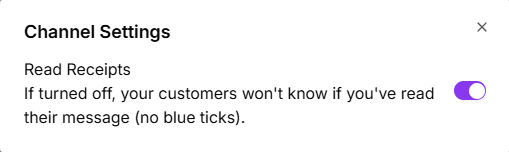
Manage your WhatsApp channel preferences from Channel Settings. Currently, you can customize read receipt visibility to control how customers see your message status.
Read Receipts
Read receipts show whether a recipient has viewed your message, indicated by two blue checkmarks on WhatsApp. Turbodev gives you control over this feature with a simple toggle.