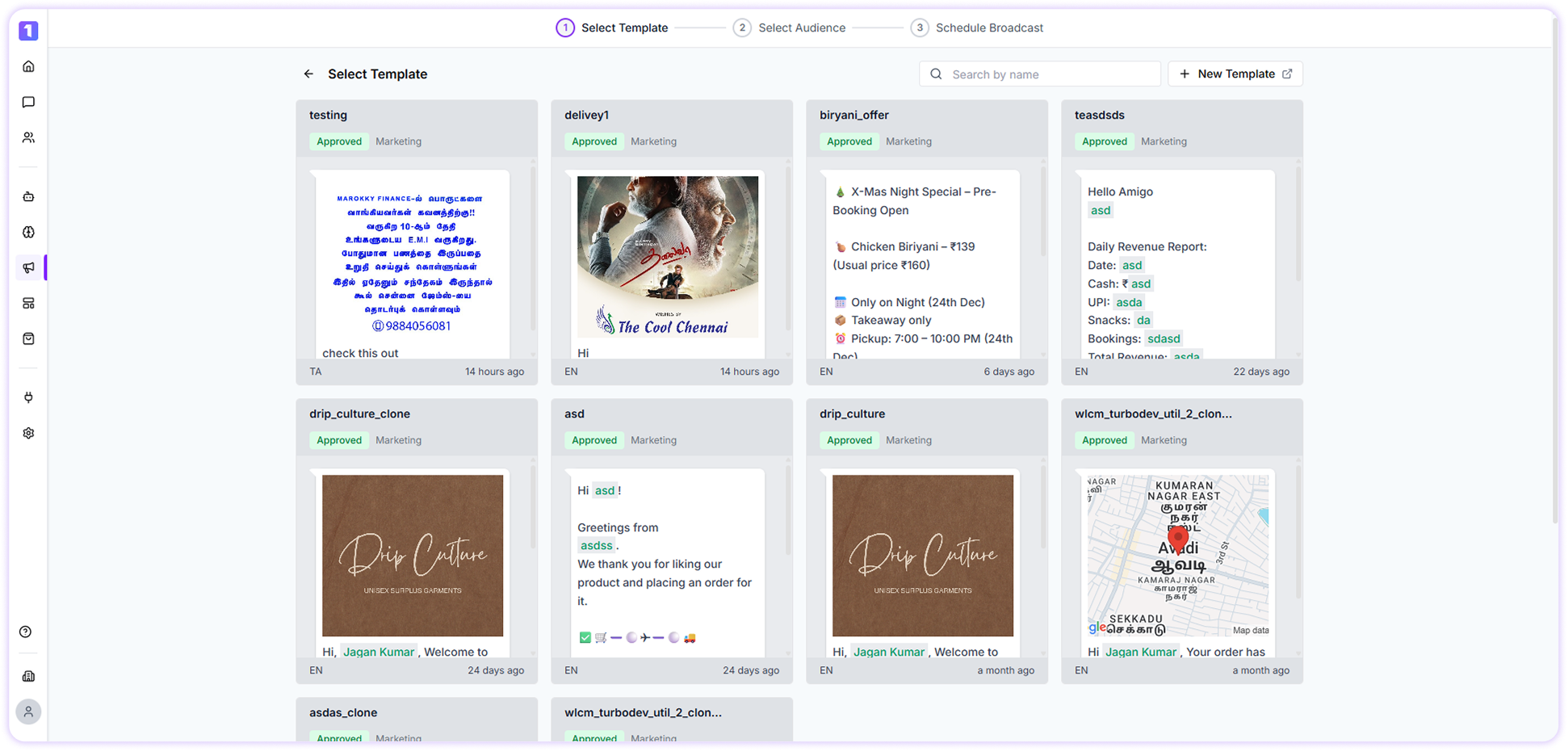
Overview
One of the powerful features offered by TurboDev is its Broadcast functionality. If you’re looking to send announcements, offers, or important updates to a large group of contacts, TurboDev makes the process seamless. Creating and sending broadcast messages is intuitive, helping you engage your audience quickly and at scale.Broadcast Dashboard
The Broadcast Dashboard in TurboDev acts as a centralized space to create, manage, and track all your broadcast campaigns.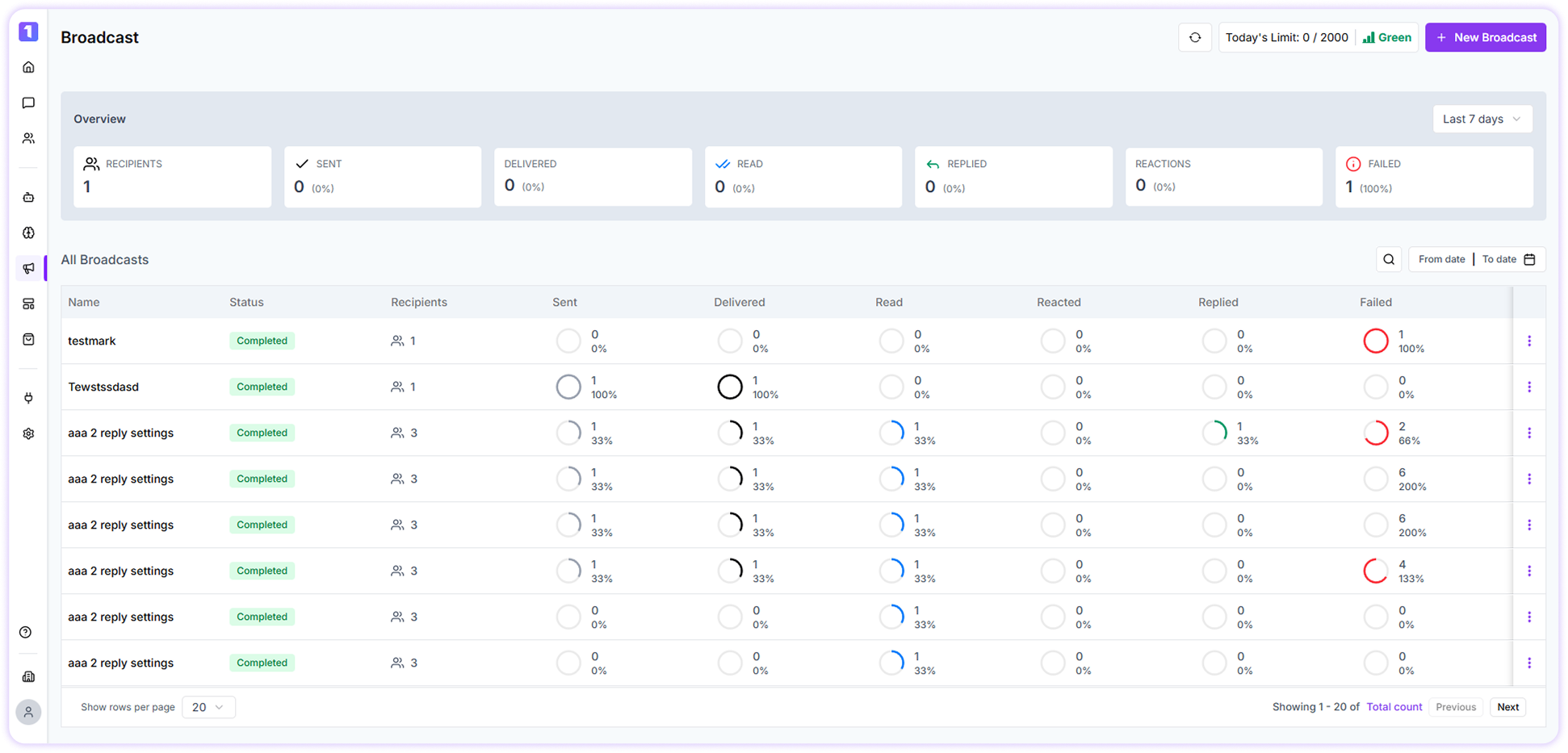
- Switch between available WhatsApp channels
- View your daily broadcast sending limits
- Monitor the quality rating of your WhatsApp number
Create Your First Broadcast
To create your first broadcast, click on the Create Broadcast button located at the top-right corner of the screen and follow the guided steps to send your message.