Filter Contacts
You can filter contacts in Turbodev to quickly find specific users based on defined criteria. To apply filters:- Click on the Add Filter option in the Contacts section
- Select the required filter condition
-
Enter the relevant details and click Apply

Filter by Name
Useful when multiple contacts share similar names, helping you narrow down the exact contact.Filter by Marketing Opt-in
Allows you to separate contacts who have opted in or out of marketing communications.Filter by Tags
Filter contacts based on tags such as New Enquiry, Purchased, Follow-up Required, etc.Column Preferences
Turbodev allows you to customize how contact information is displayed.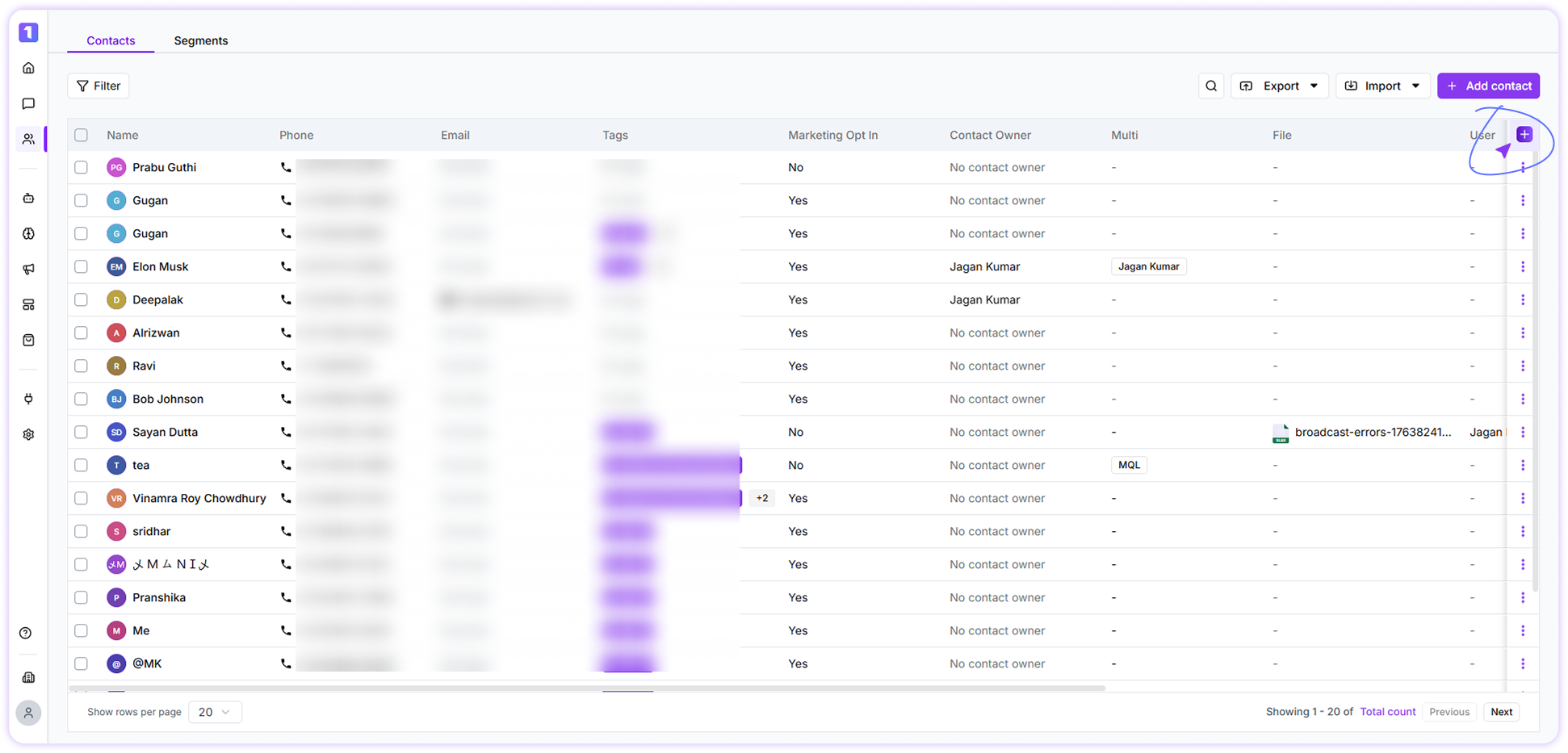
- Select which contact fields you want to view
- Rearrange columns based on your workflow
-
Drag and drop fields to create a personalized contact view
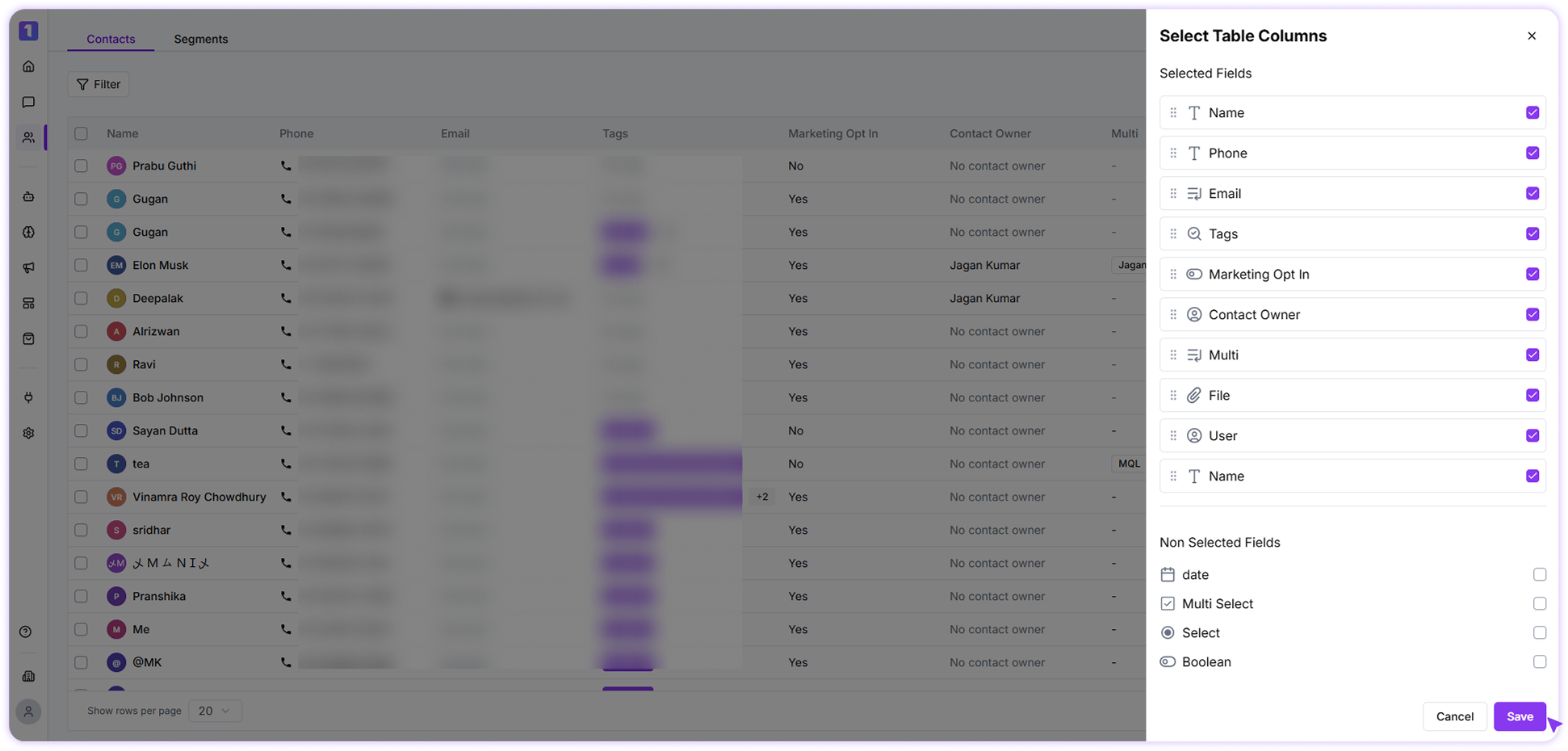
Column preferences are applied per user account and do not affect other team members.
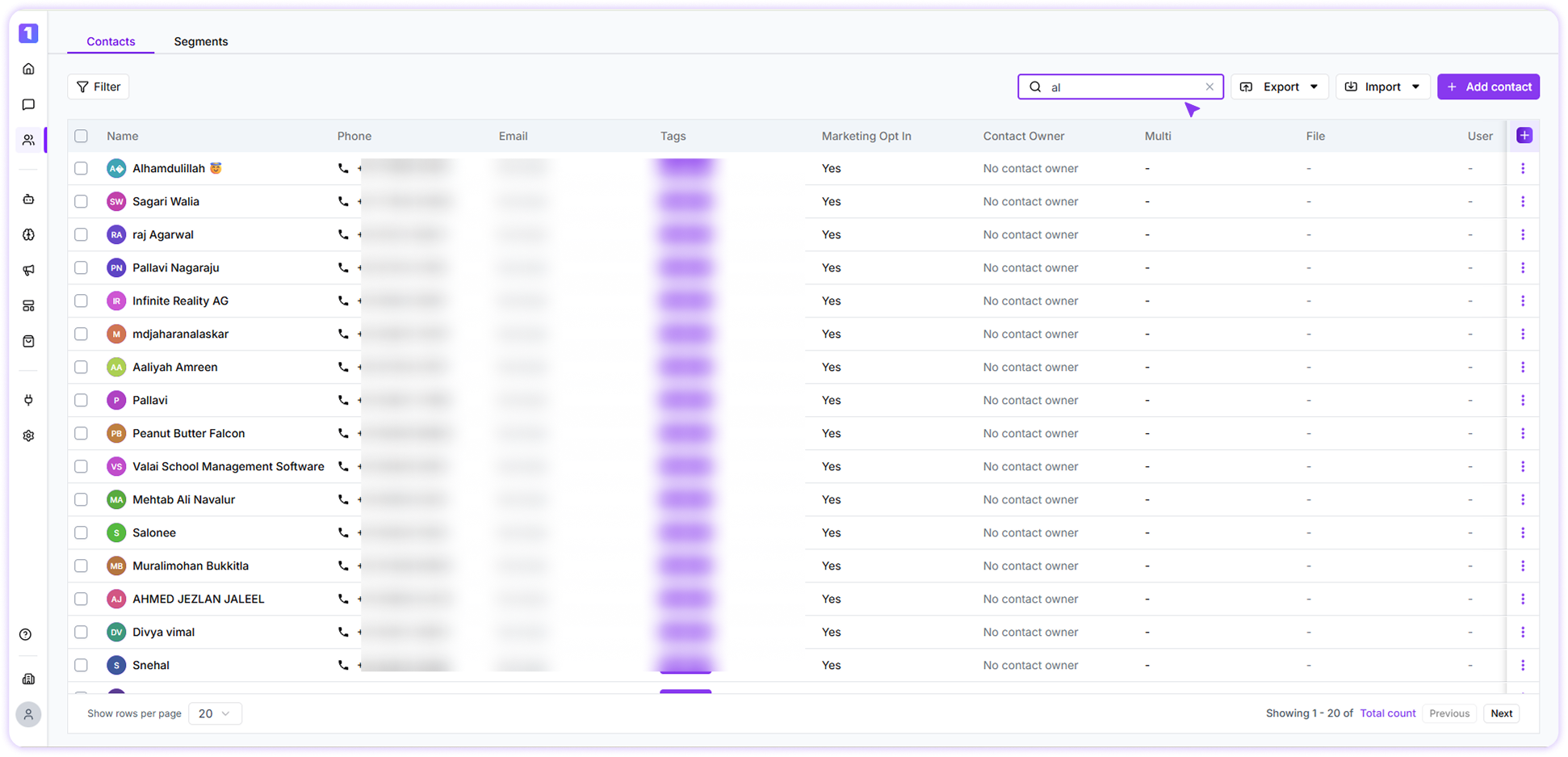
Search Contacts
You can quickly search contacts using the search bar in the Contacts section. By Contact name and Phone number (partial or full)