
Delete Contacts Individually

Open the contact you want to remove, click on the Delete option, and confirm the action. Delete Contact

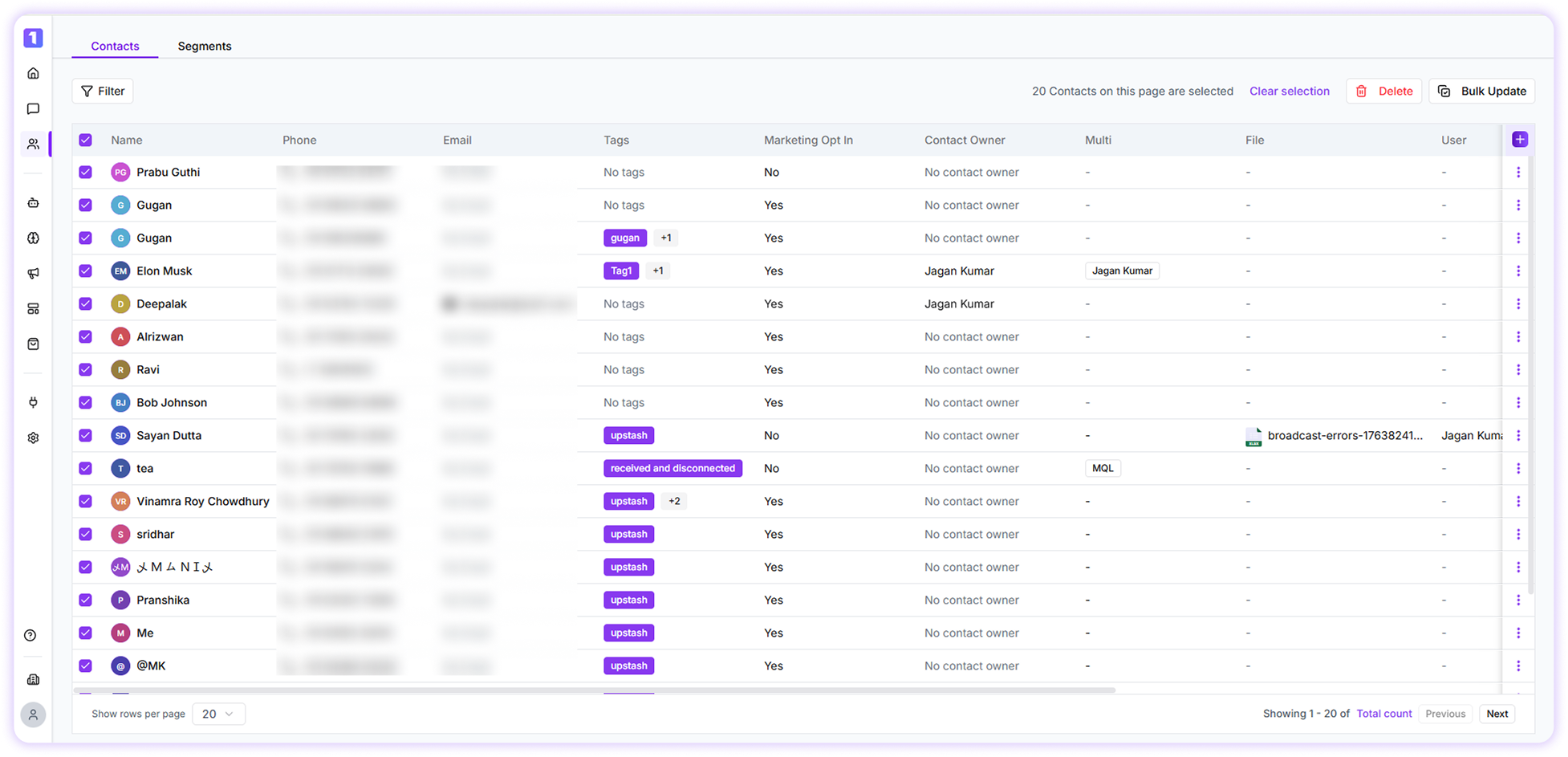
Bulk Delete Contacts

Select multiple contacts by checking the boxes next to their names, then click Delete to remove all selected contacts at once. Bulk Update
Bulk Delete Contacts Using Filters

Apply filters to narrow down contacts based on specific conditions, select the filtered contacts, and click Delete to remove them in bulk.
Deleted contacts cannot be restored. It is recommended to carefully review the selected contacts before confirming deletion.