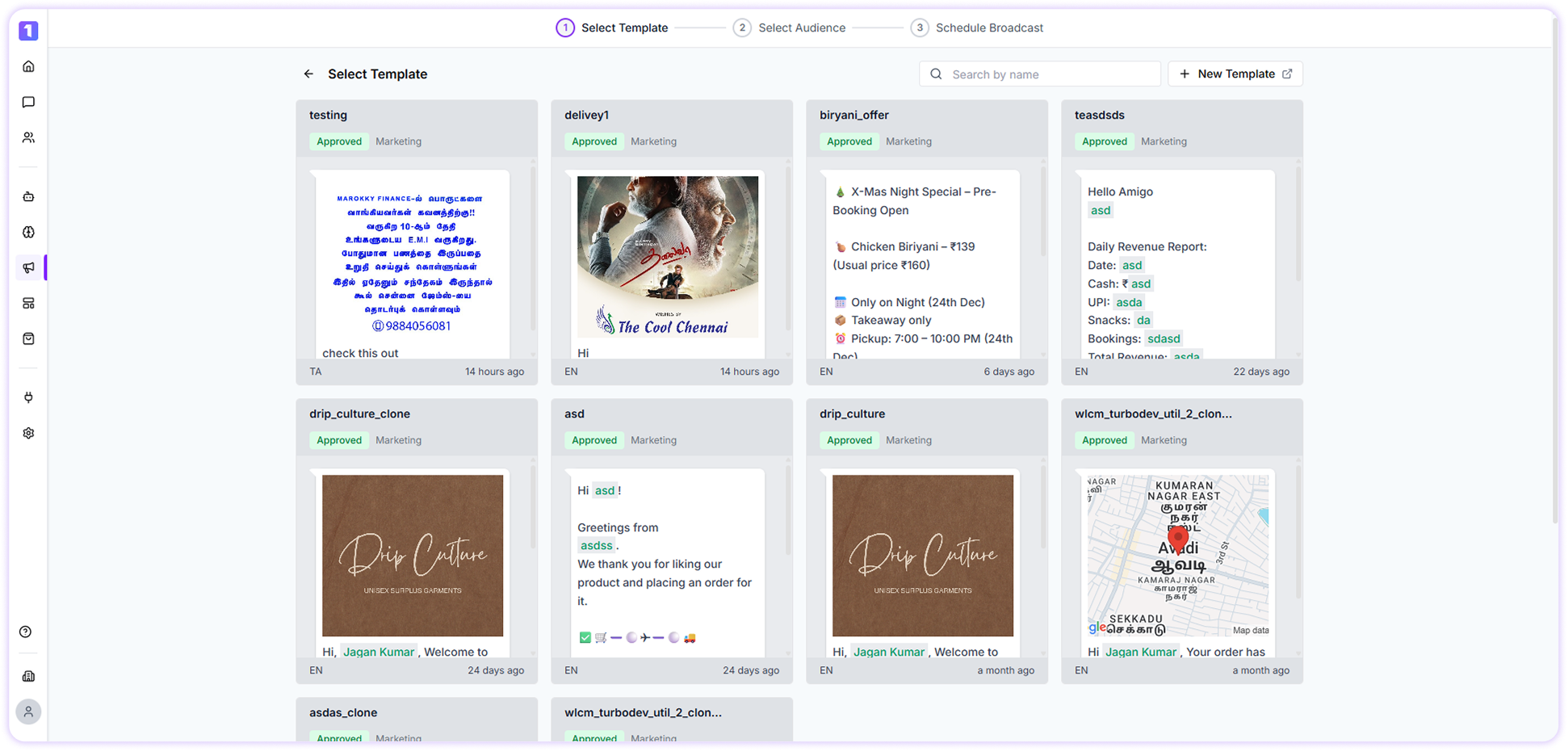
If you have already created a message template, click the Select button next to the template. You will then be redirected to the next step, where you can choose the audience for your broadcast.If you haven’t created a template yet, click + New Template to create one for your campaign.
You can refer to the guide on how to create a WhatsApp Template for more details.
It is recommended to create WhatsApp templates in advance, as template approval may take some time. Once approved, templates can typically be used within 15 minutes.