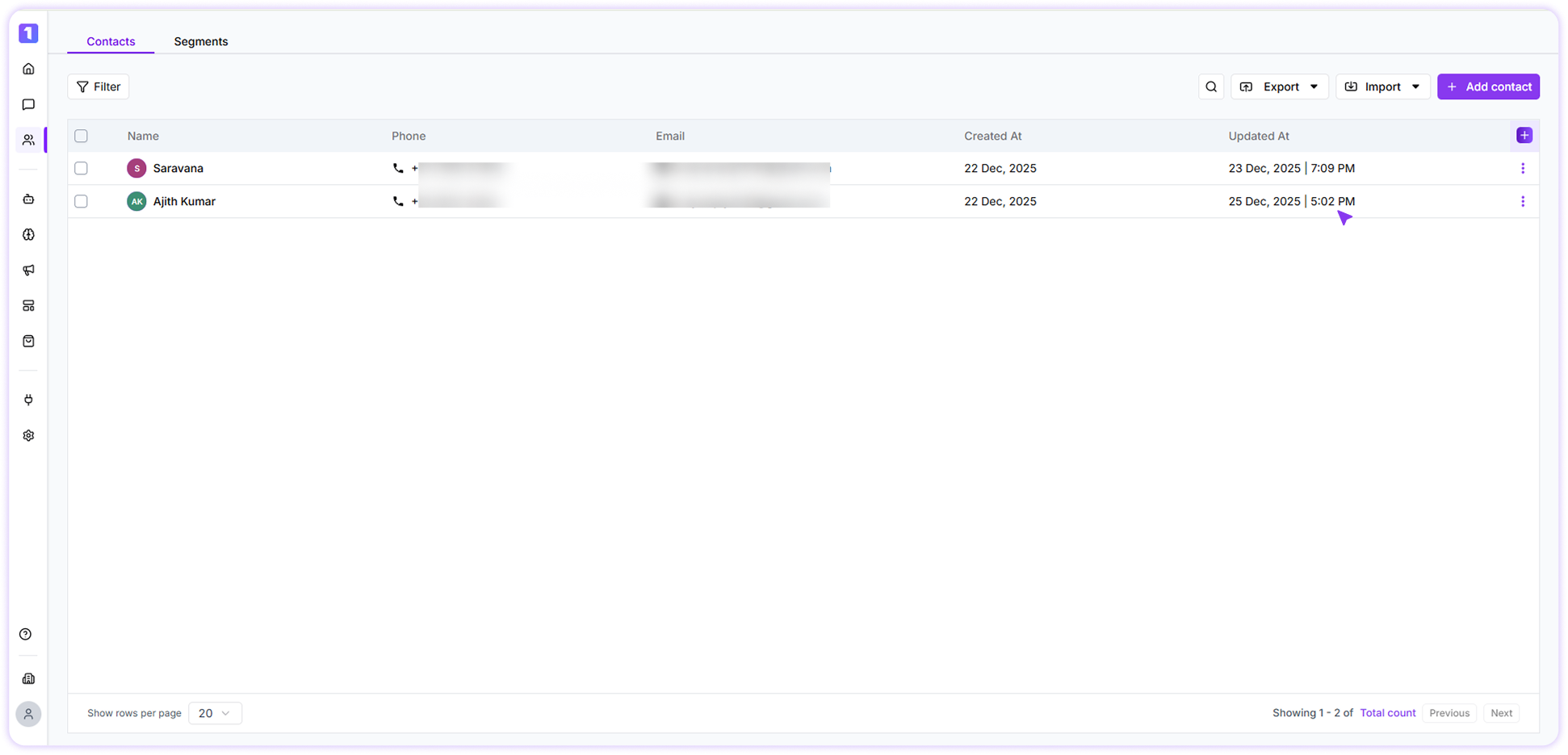
Update Individual Contacts
You can update a contact’s details directly from the Contacts section. While editing a contact, you can also view their conversation history and continue messaging them without interruption.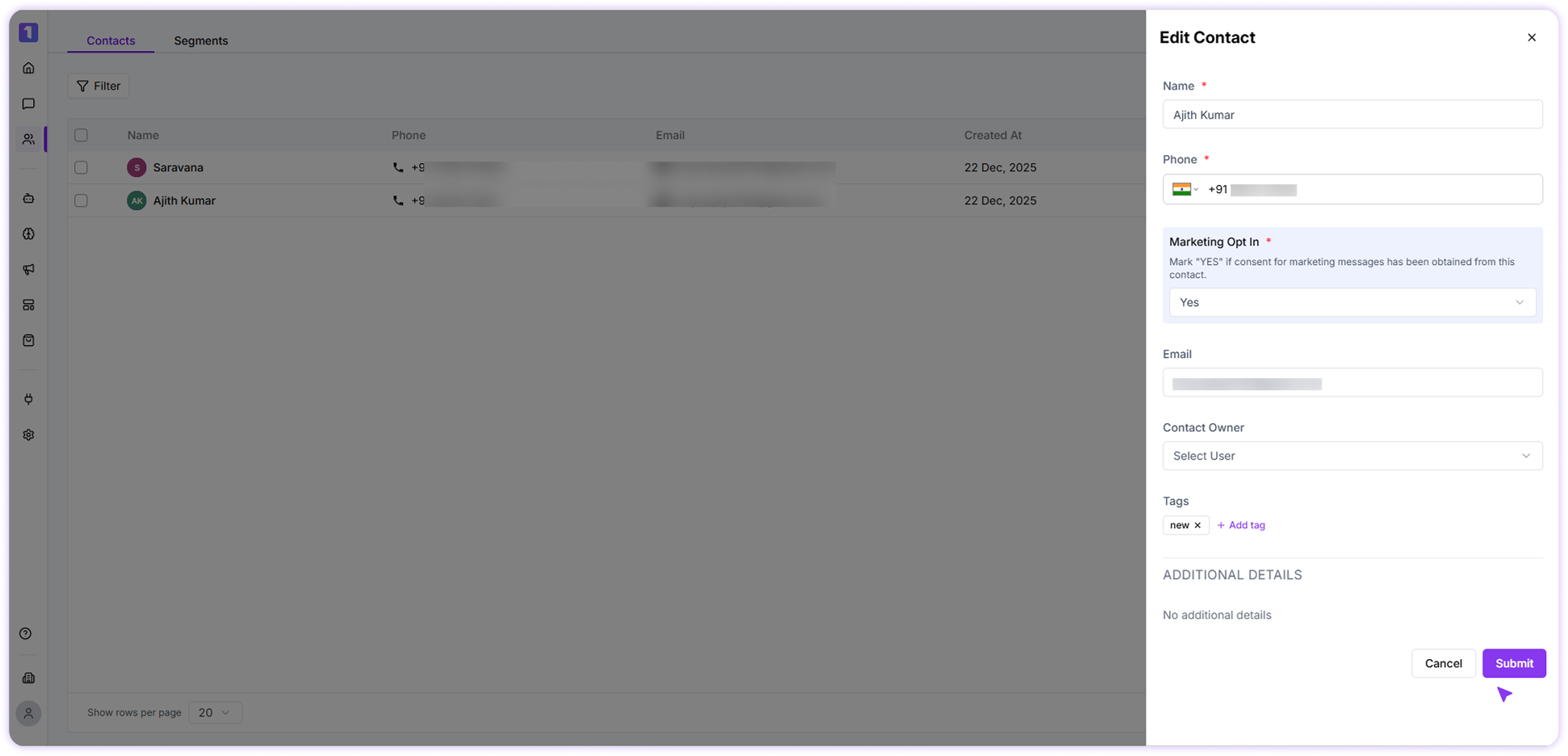
Bulk Update Contacts
Turbodev allows you to update common details for multiple contacts at once, such as tags. Simply select the contacts using the checkbox next to their names and apply the required updates in one action. This helps save time when managing large contact lists.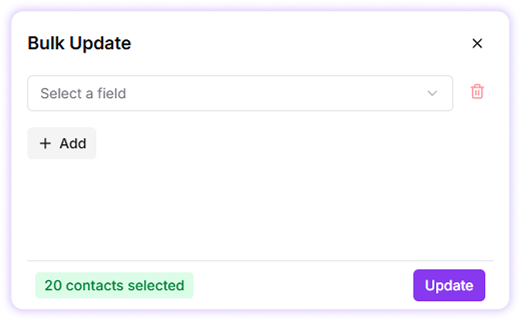
Send Message to a Contact
If you want to send a message directly while browsing your contact list, Click the menu (⋮) button on the contact section and select send message.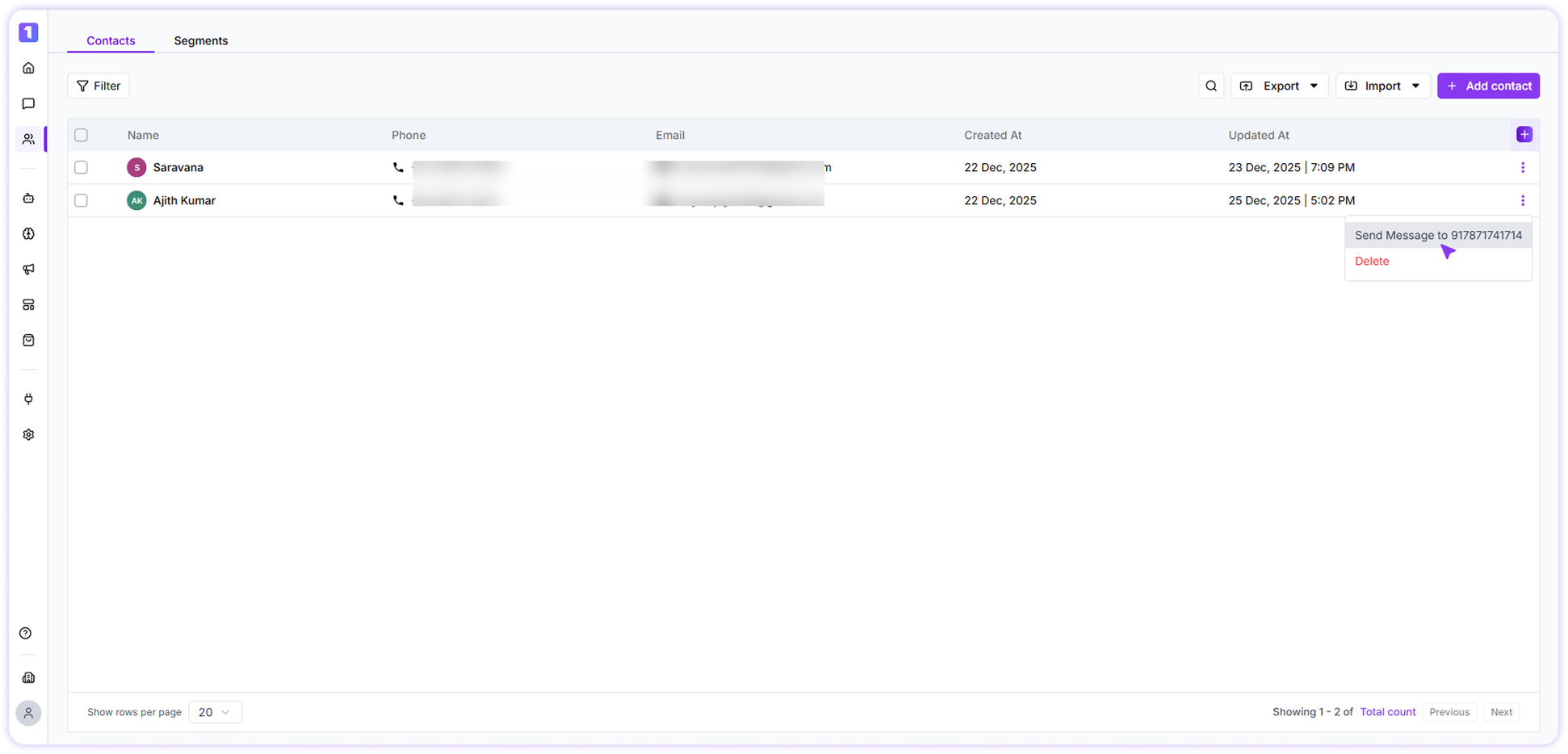
Contact Updation Date
Whenever a contact is updated, Turbodev records the exact date and time of the update. This helps you track recent changes and maintain clear visibility into contact modifications. The updation timestamp is for reference purposes and is not available as a configurable field or column preference.