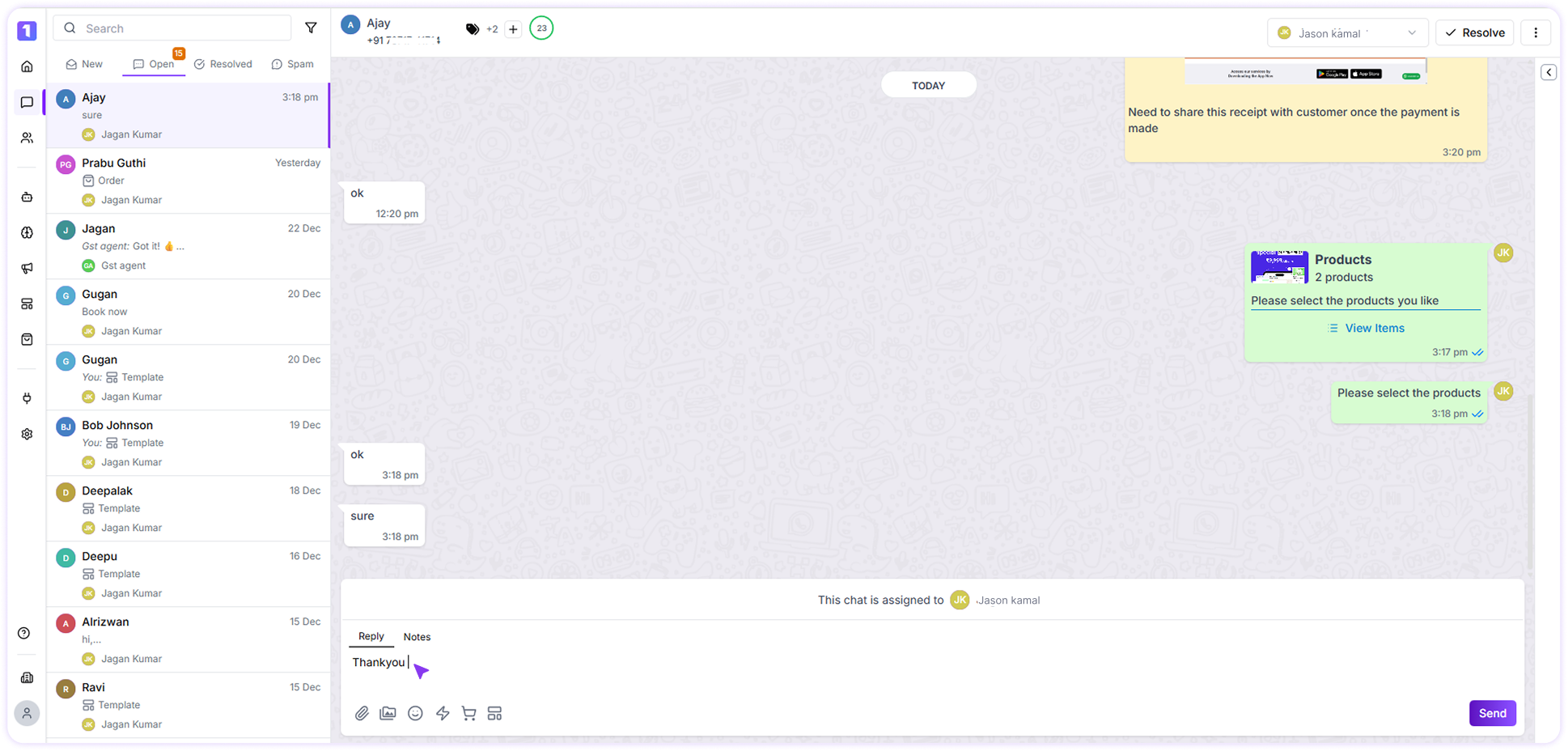
Ways to Initiate a Chat in Turbodev
Start a Chat with a Saved Contact
If the contact already exists in Turbodev, Step1: you can initiate a conversation by selecting the contact from the Conversations section.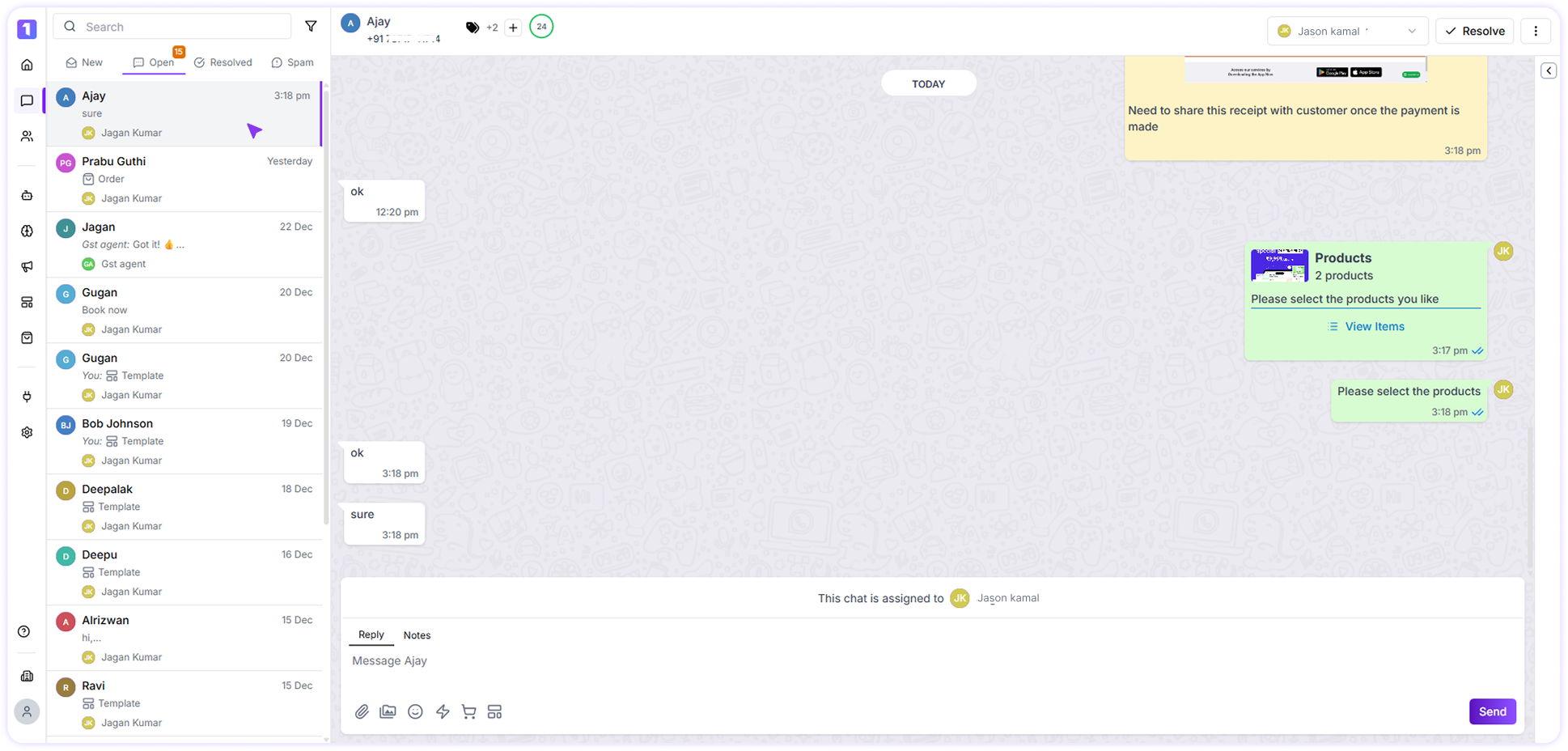
Send an Individual Message to a Saved Contact
If you want to send a message directly while browsing your contact list, Click the **menu (⋮) button on the contact section and select send message.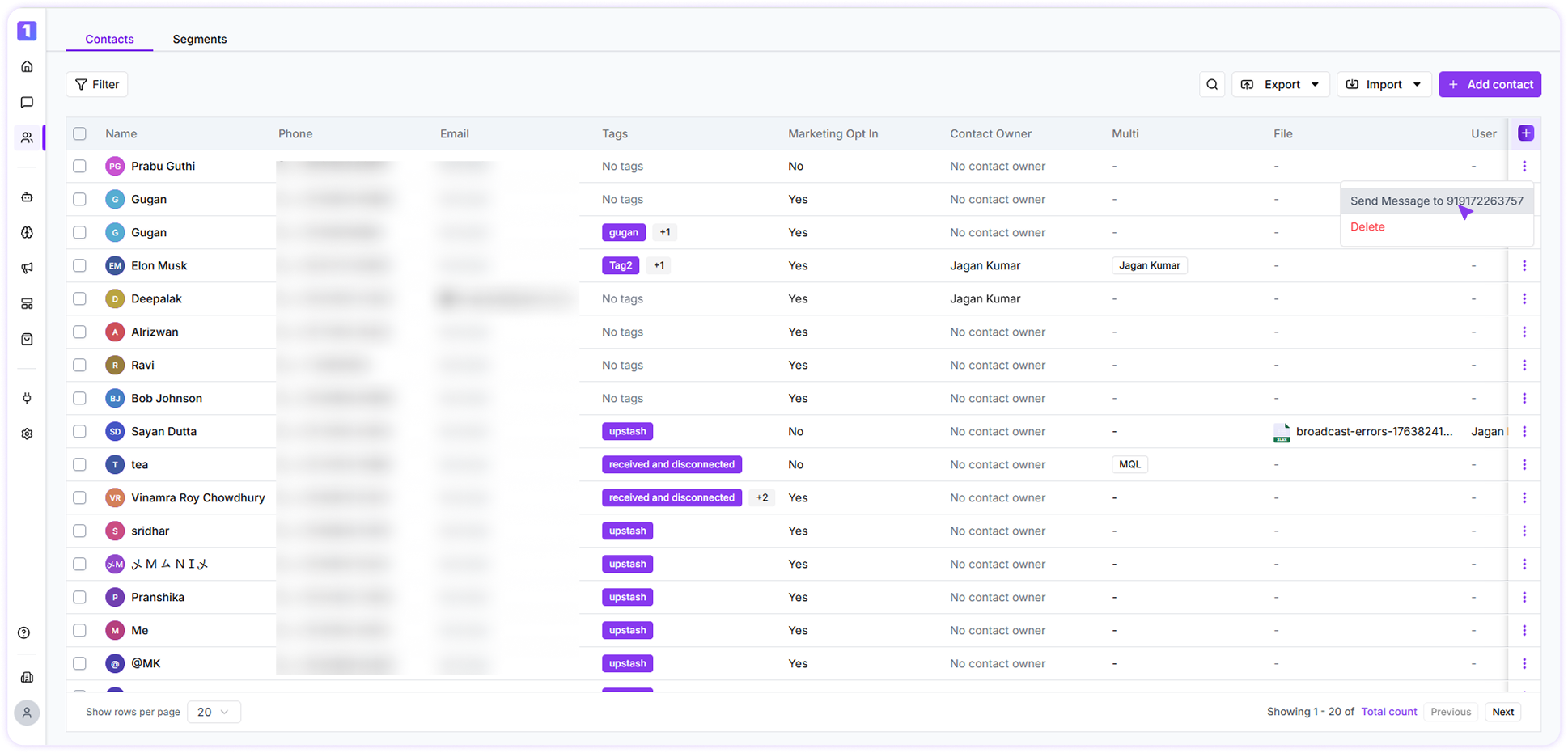
Respond to Customer Messages
Once a customer sends a message, you can instantly reply and continue the conversation without needing a template, as long as it’s within WhatsApp’s 24-hour session window.