Export Contacts from Turbodev
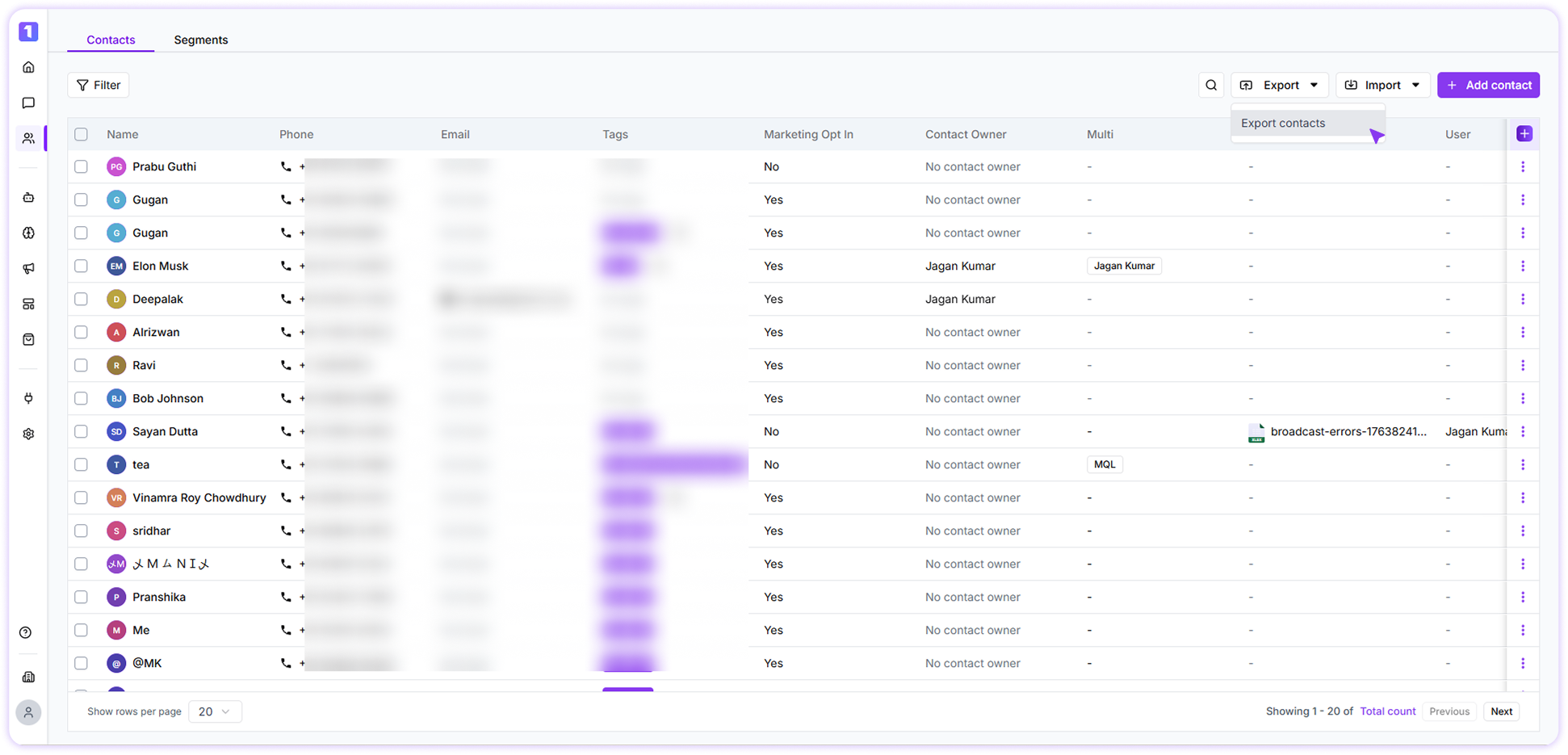
You can export all contact records available in your Turbodev account with just a few clicks. To export contacts:- Go to the Contacts section in your Turbodev dashboard
- Click on the Export option
- Select Export Contacts from the dropdown
-
Confirm the action to initiate the export