Pre-requisites for Sign Up
License Key
You’ll need a valid License Key to create your Turbodev account and access the platform.Don’t have a License Key yet?
Get your License Key instantly: Click here to request via WhatsApp
Get your License Key instantly: Click here to request via WhatsApp
Sign Up Process
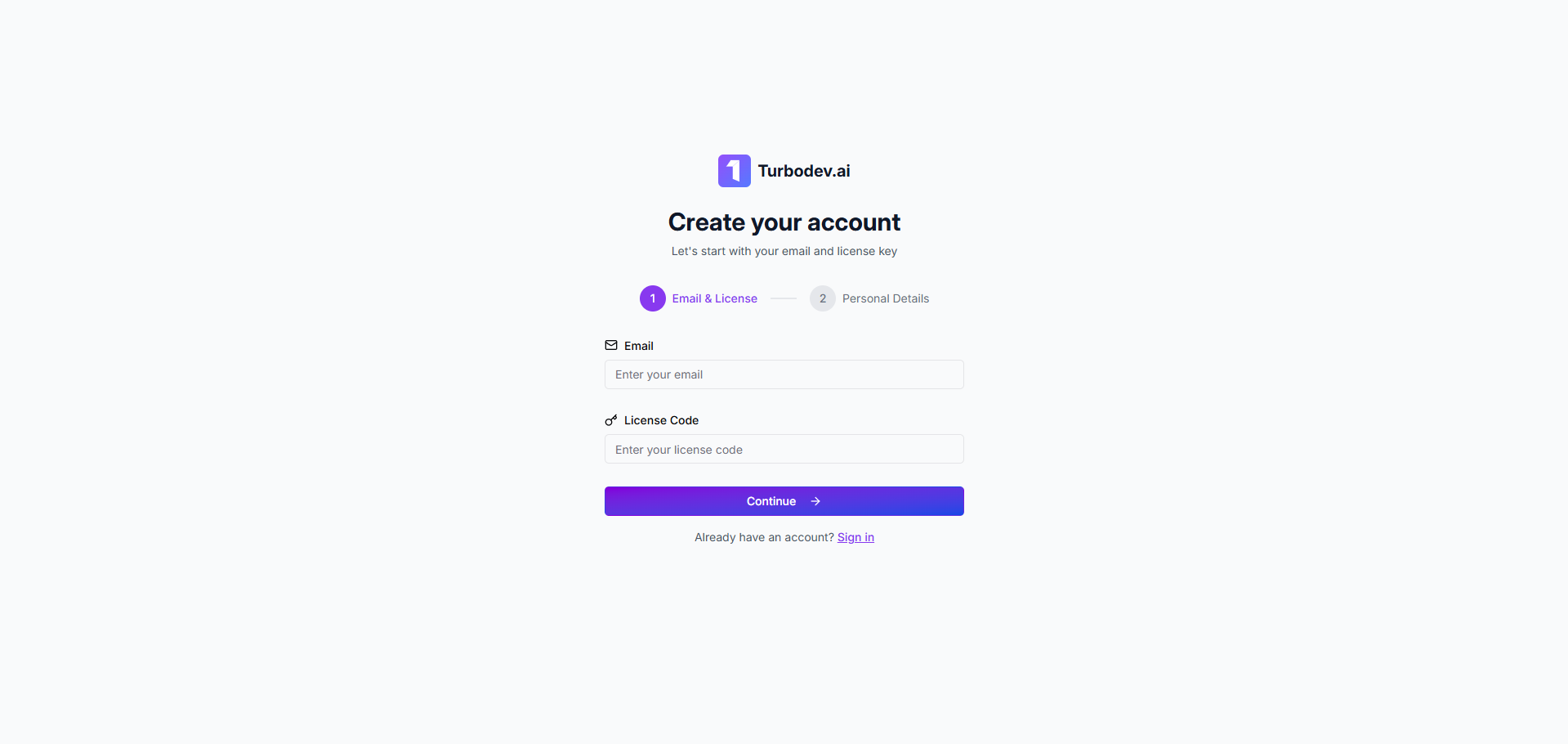
Step 1: Enter Your Credentials
- Enter your email address
- Enter the License Key provided to you
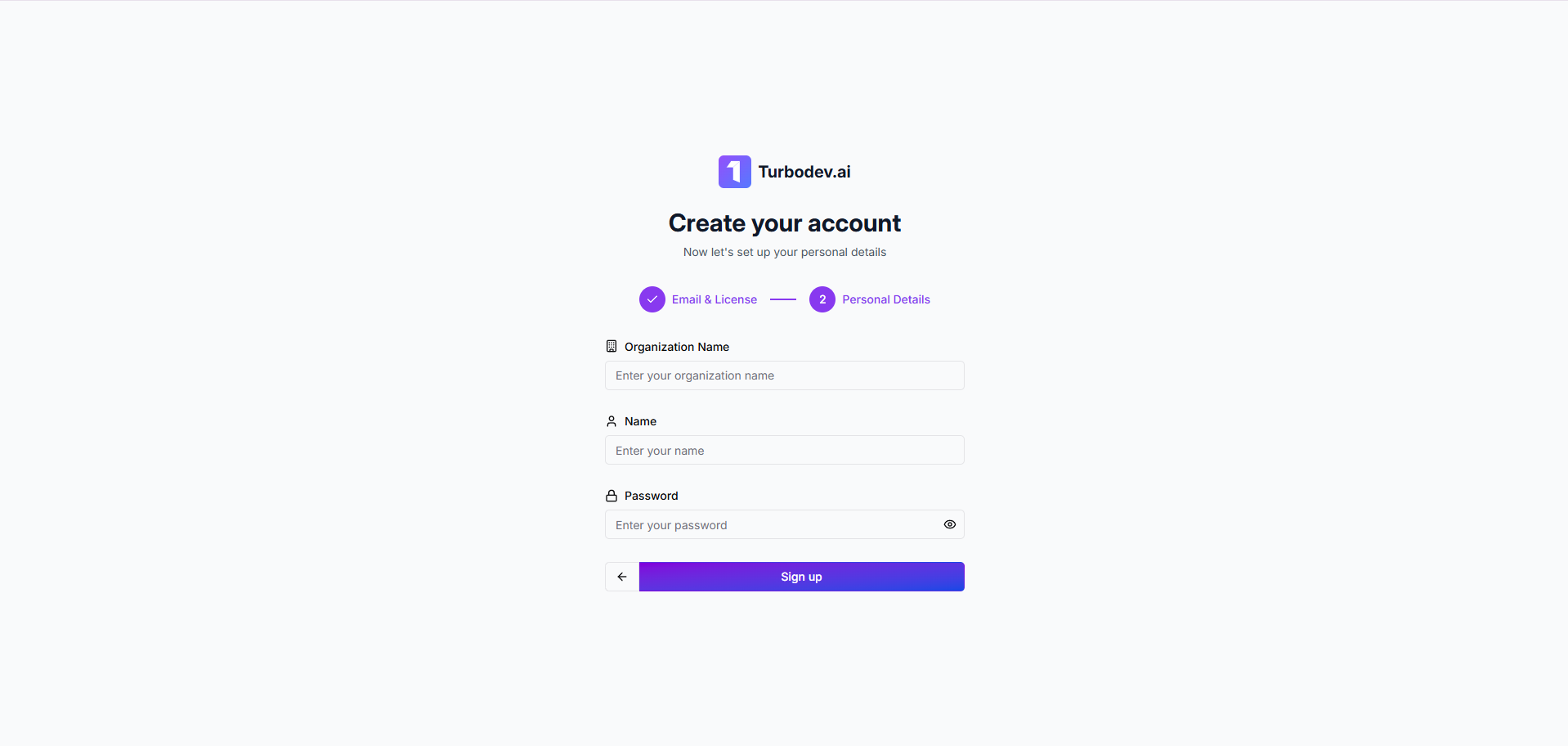
Step 2: Add Personal Details
- Organization Name: Enter your company or business name
- Your Name: Provide your full name
- Password: Create a secure password for your account
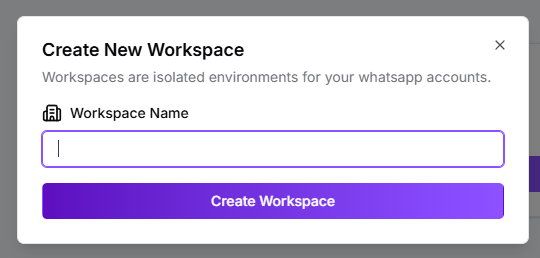
Step 3: Create Your Workspace
- Enter your Workspace Name (this will be your main working environment in Turbodev)