

Available Razorpay Workflow Triggers in Turbodev
You can create workflows for the following Razorpay events:- Payment Captured (successful payment)
- Payment Failed
-
Refund Processed
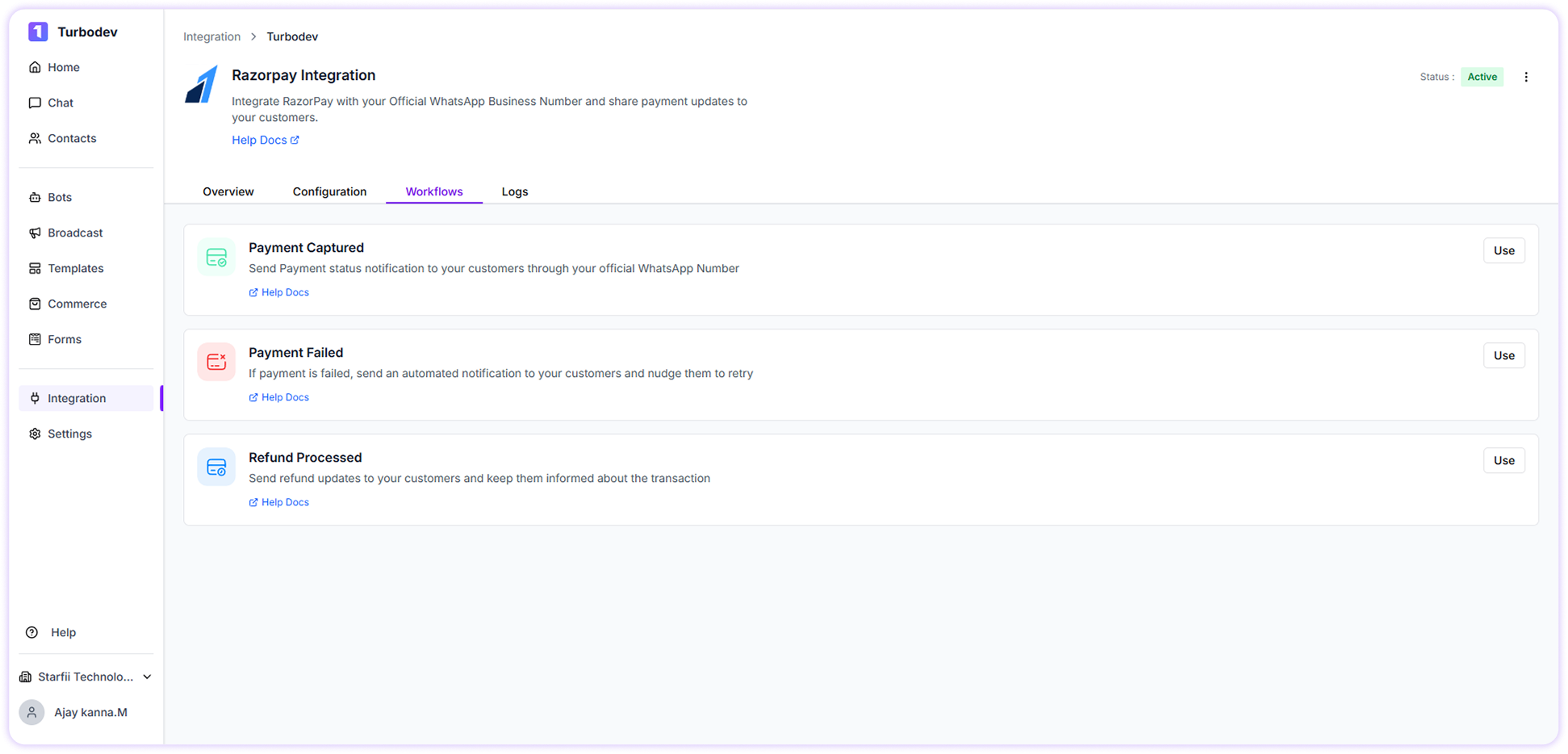
How to Create Payment Captured Workflow
Send payment status notifications to your customers when a payment is successfully captured.Steps to configure Payment Captured workflow
- Go to Workflows in your Turbodev dashboard
-
Click on the Payment Captured workflow
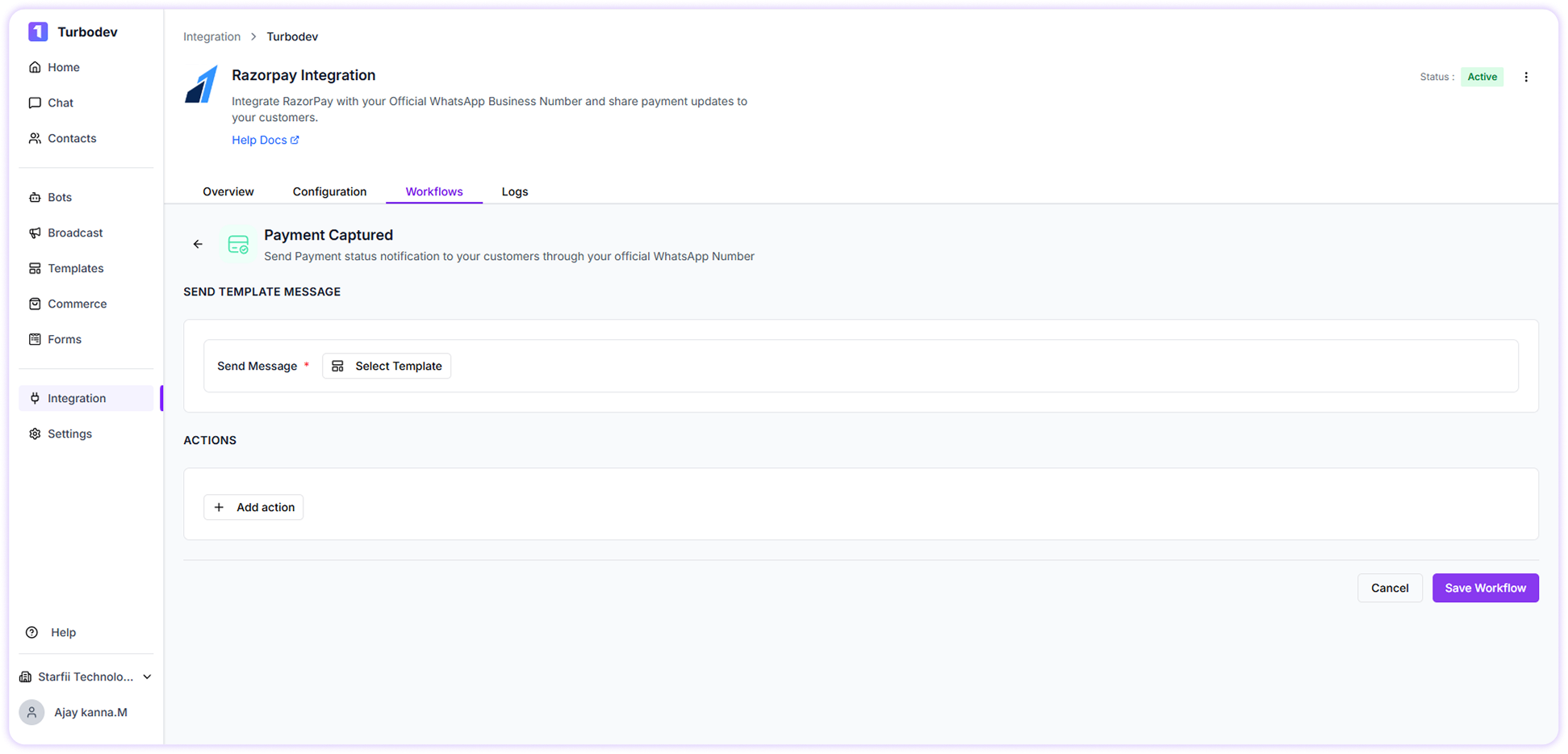
- Select the WhatsApp template that you have already created and got approved from Meta
-
Map the required variables such as:
- Customer name
- Payment amount
- Transaction details
- Select actions if you want to update any contact fields in Turbodev (optional)
- Click Save Workflow
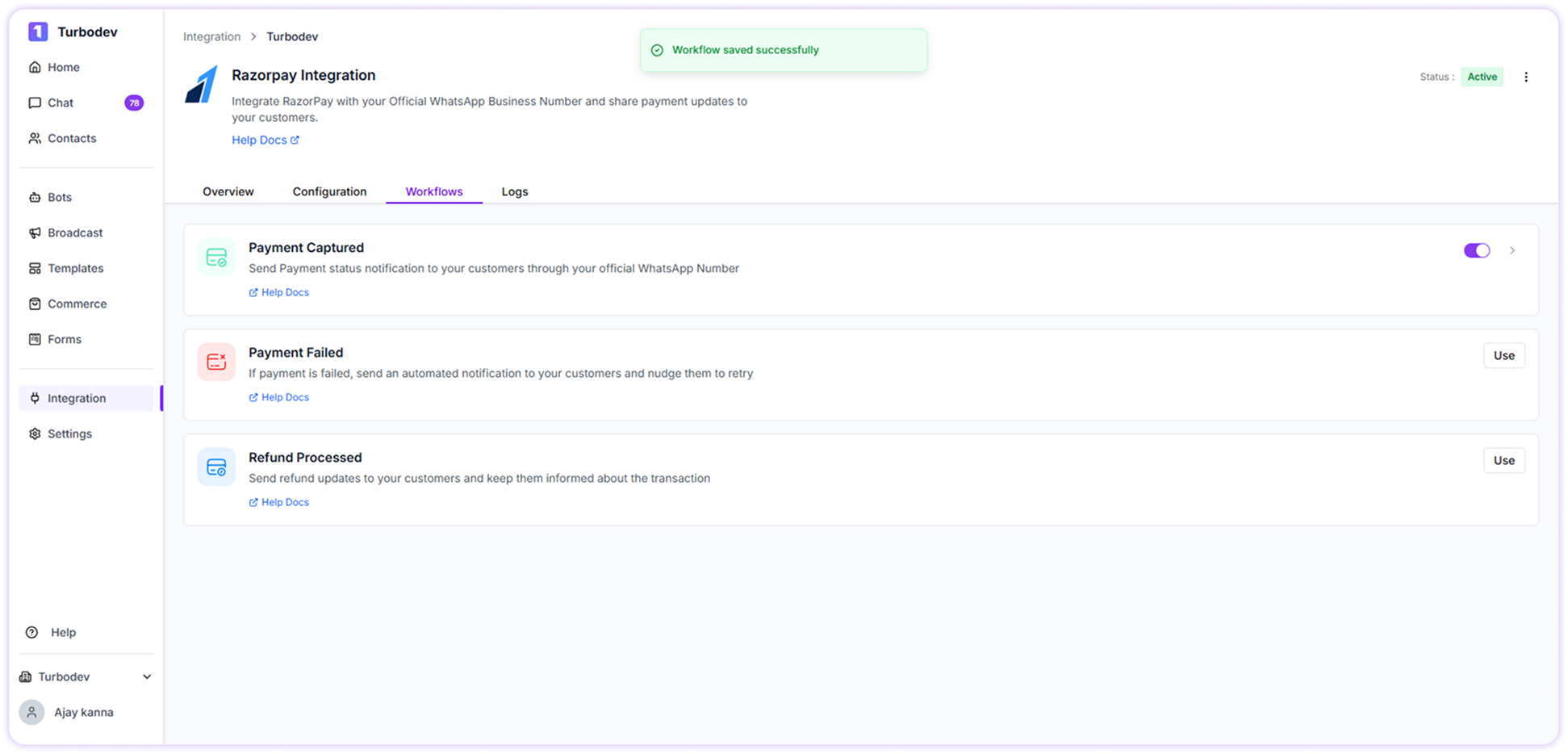
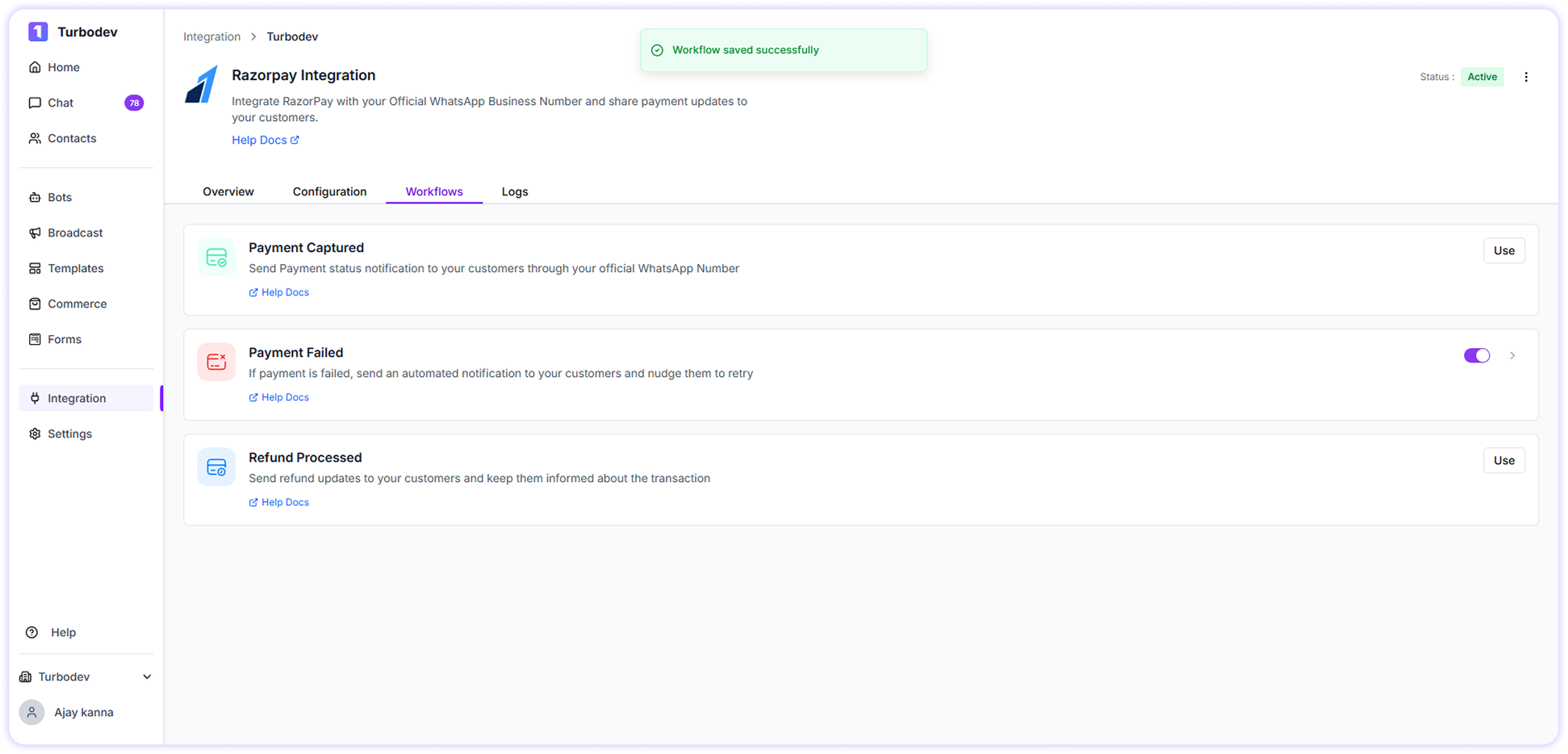
How to Create Payment Failed Workflow
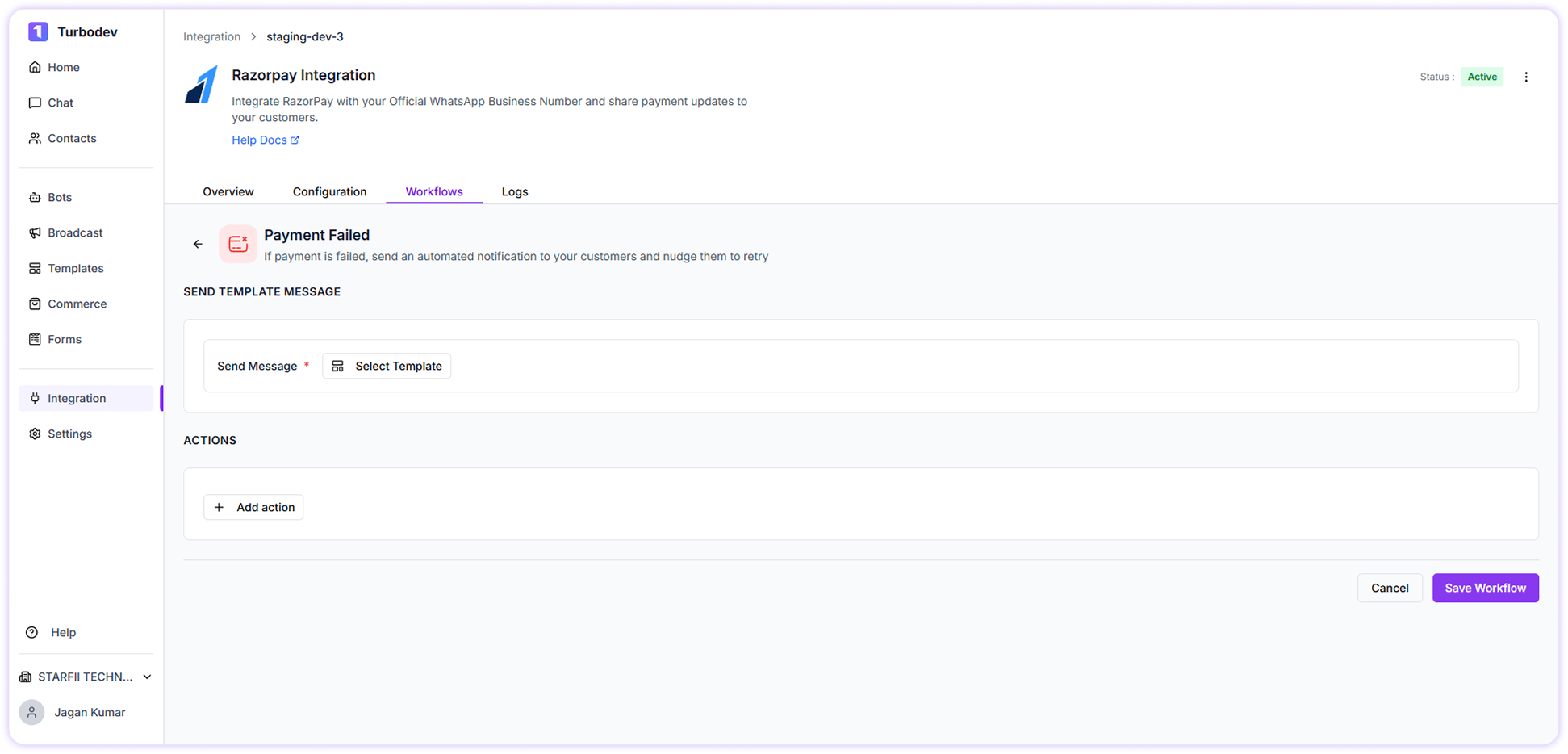
Send automated notifications when a payment fails and encourage customers to retry.Steps to configure Payment Failed workflow
- Go to Workflows in your Turbodev dashboard
-
Click on the Payment Failed workflow
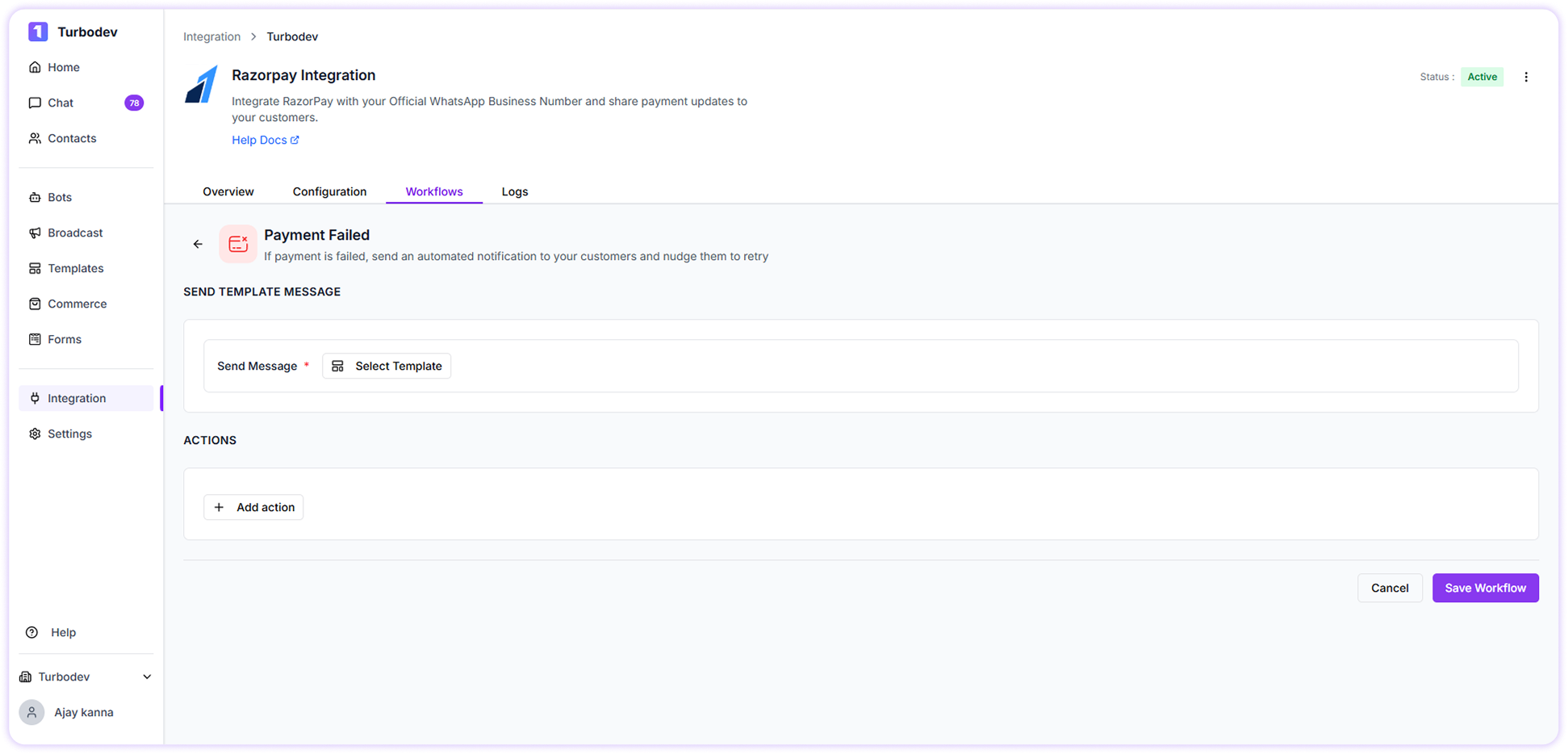
- Select the WhatsApp template approved by Meta
- Map the required variables
- Select actions if you want to update contact fields in Turbodev (optional)
- Click Save Workflow
How to Create Refund Processed Workflow
Send refund status updates to customers and keep them informed about their transaction.Steps to configure Refund Processed workflow
- Go to Workflows in your Turbodev dashboard
-
Click on the Refund Processed workflow
- Select the approved WhatsApp template
- Map the required variables
- Select actions if needed to update contact fields
- Click Save Workflow
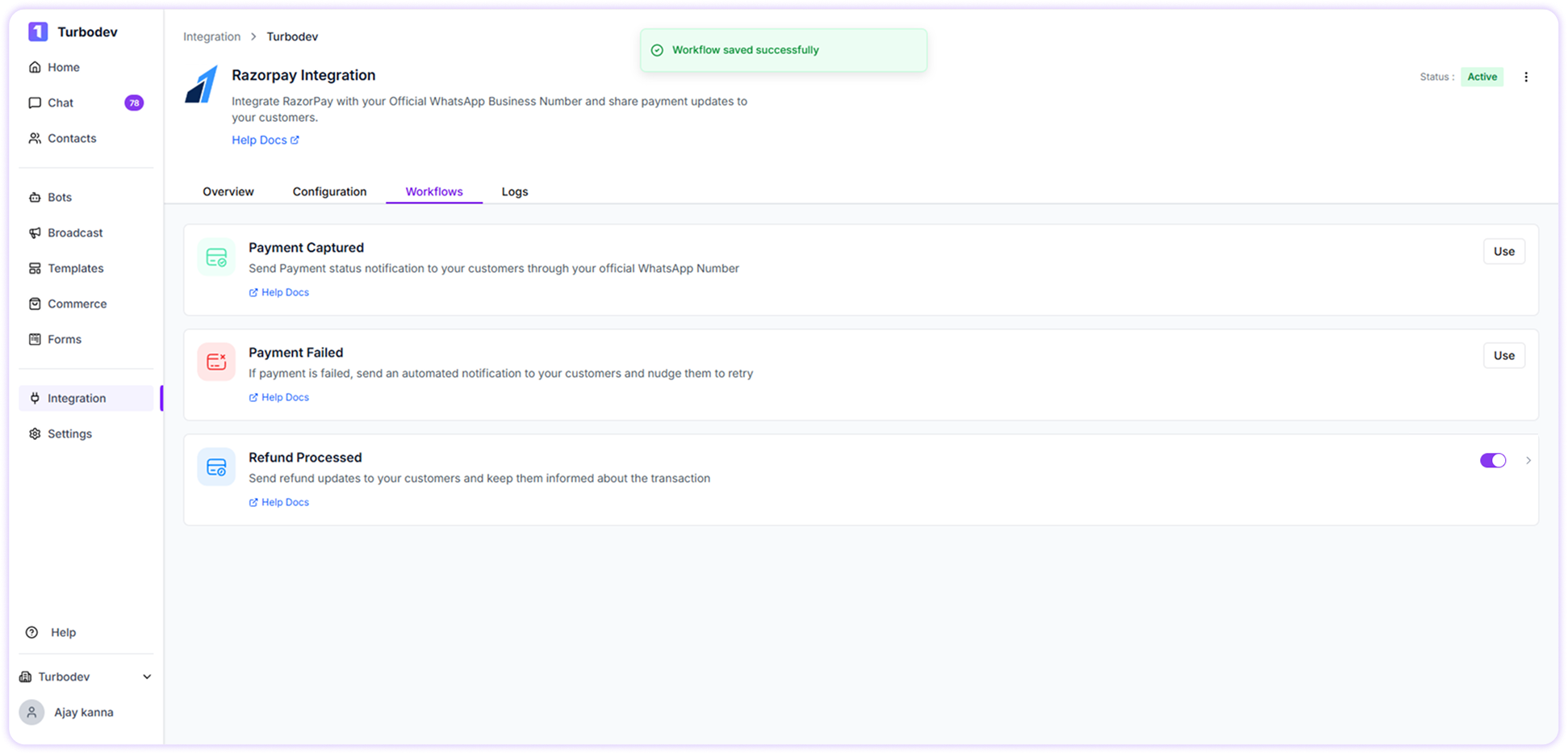
Workflow Toggle Control
Each workflow has a toggle option.- Toggle ON → Workflow is active and messages will be sent
- Toggle OFF → Workflow is inactive and messages will not be sent
Viewing Razorpay Workflow Logs
Turbodev provides detailed logs for all Razorpay workflow activity.To view logs:
-
Go to Logs in your Turbodev dashboard
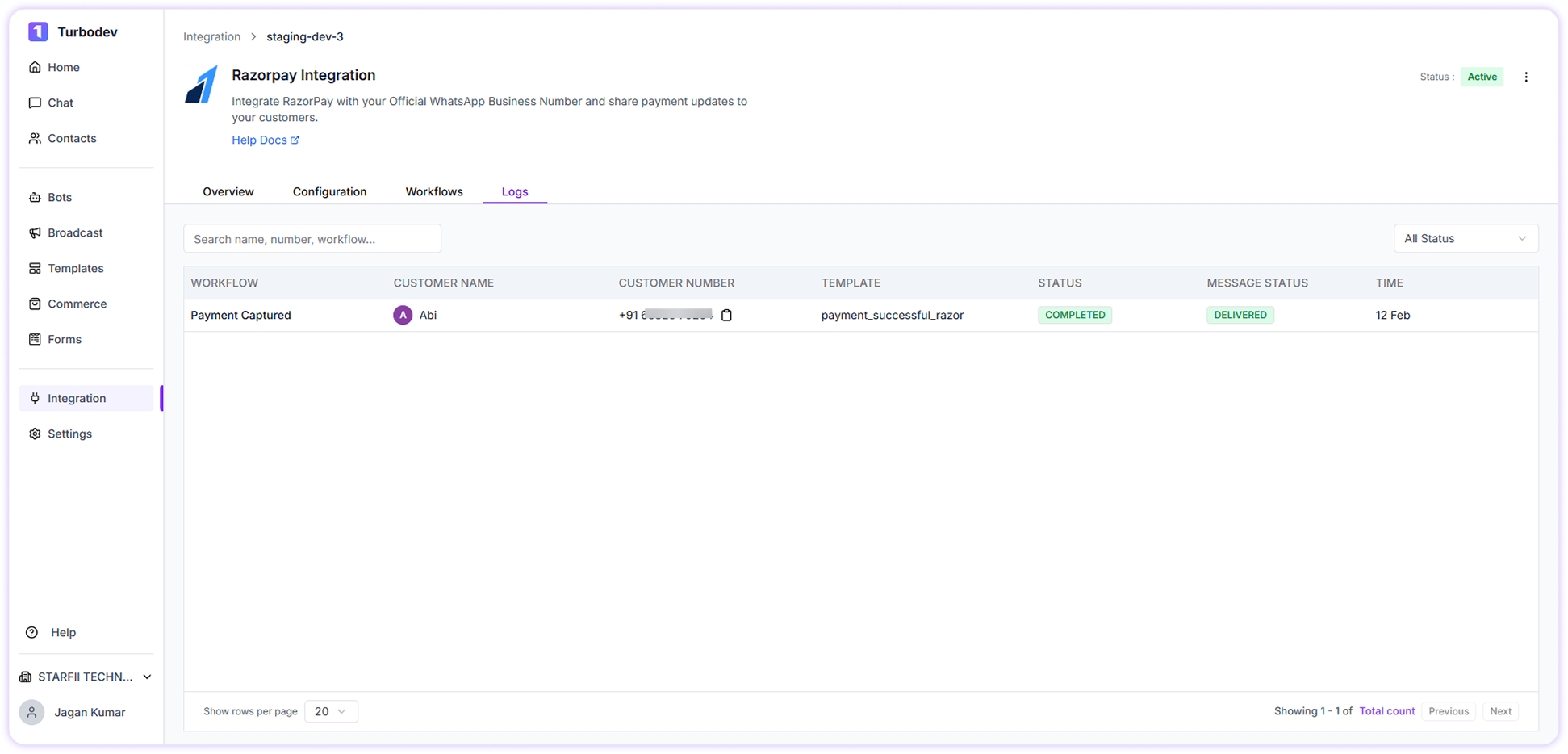
- Workflow name
- Customer name
- Customer number
- Template used
- Workflow status
- Message status (sent, delivered, failed)
- Date and time
- Search using customer name
- Search using phone number
- Search using workflow name
- Filter logs based on status
How Razorpay Workflows Work in Turbodev
Workflow process:- Customer completes payment, fails payment, or receives refund
- Razorpay sends the event data to Turbodev
- Turbodev triggers the selected workflow
- WhatsApp message is sent automatically
- Logs are recorded for tracking and monitoring