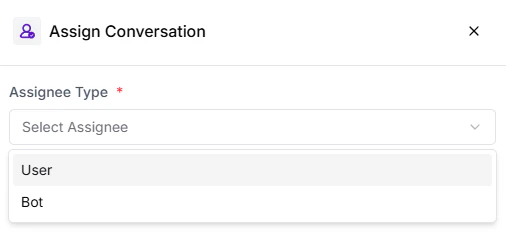
Improve customer experience by routing conversations to the right handler using the Assign Conversation Card. Assign chats to team members, teams, bots, or contact owners to ensure smooth handovers and personalized support.
The Assign Conversation Card allows automation to seamlessly transfer a conversation to a human agent, team, or bot whenever needed. This helps maintain continuity, balance workload, and ensure customers get timely and relevant responses.
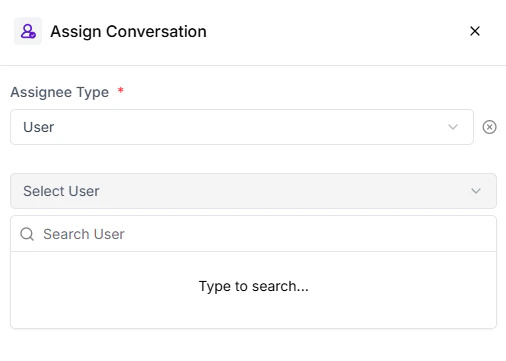
When the Assignee Type is set to User, you can select from the list of team members added to your Turbodev account. The chosen user will take ownership of the conversation and continue communication directly with the customer.
If the Assignee Type is set to Bot, the conversation will be handed over to one of your configured bots. The bot will then continue the interaction based on the defined flow and automation logic.
Use the Assign Conversation card strategically to transition from automation to human support, or to reassign chats based on customer intent, priority, or availability.