

Overview
The Notes feature in Turbodev allows agents and bots to add internal notes to a conversation. These notes are visible only to your team and are not sent to the customer. Notes help teams capture important context, instructions, or observations that may be useful for future follow-ups or handovers.How to Use Notes
To add a note: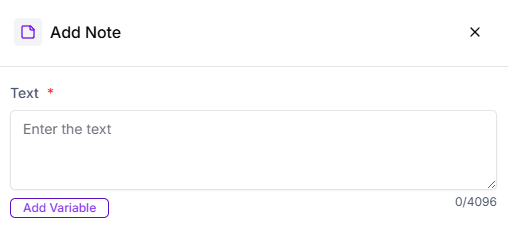
- Write the note in the provided note field
- Save the note to attach it to the conversation
Why Use Notes
Notes are especially useful for:- Recording customer requirements or preferences
- Adding internal instructions for follow-ups
- Maintaining context when conversations are reassigned
- Ensuring smooth collaboration between team members