

Overview
The Ask Location card allows you to collect a user’s location directly through WhatsApp. When triggered, customers can share their location using the map interface, ensuring accurate coordinates for deliveries, service visits, or verification.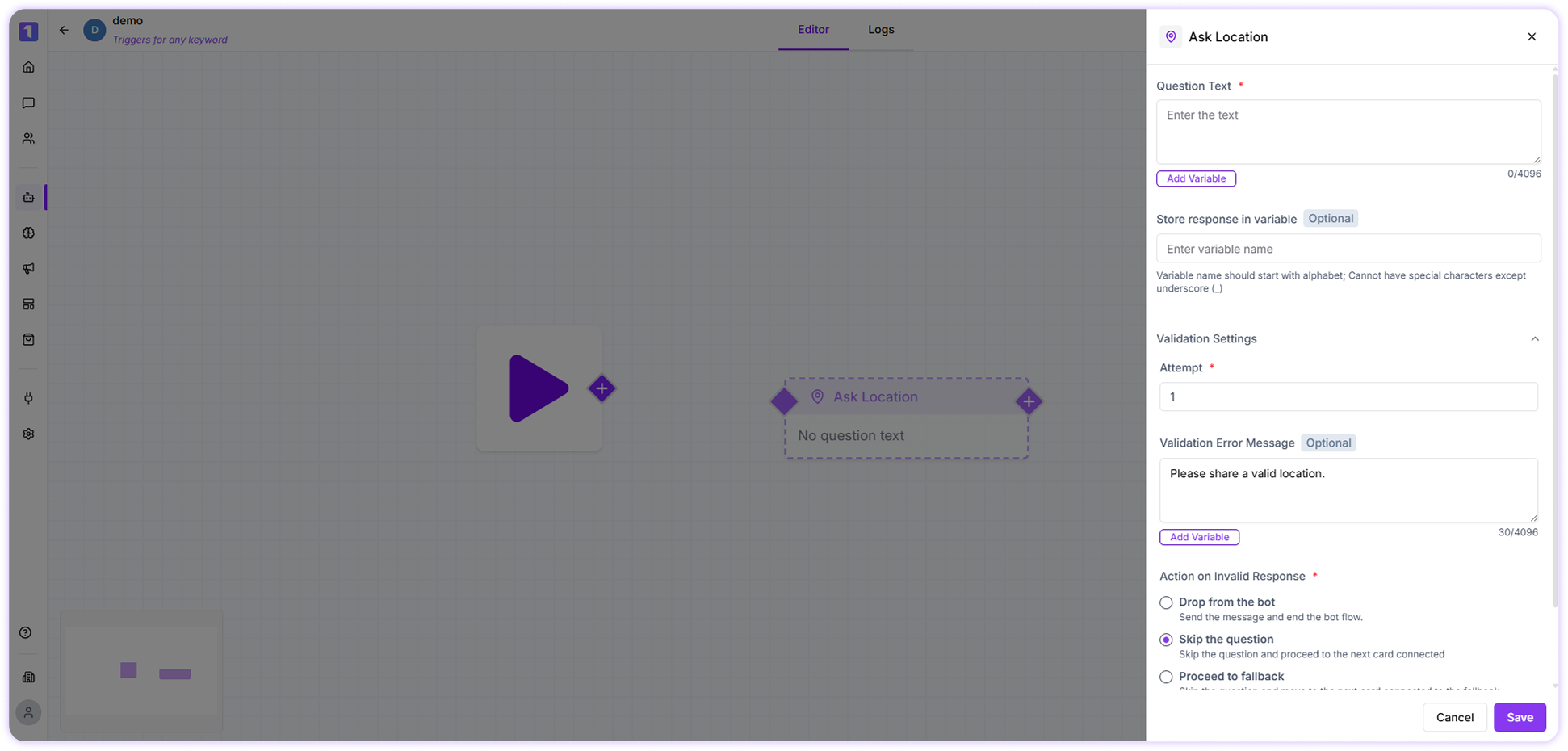
Available Fields
AttemptsSet how many times the question should be asked if the customer sends an invalid or unrelated response. Validation Error Message
This message is shown when the customer responds incorrectly or does not share their location. Action on Invalid Response
Choose what happens if the response is invalid. You can end the flow, skip the question, or route the conversation to a fallback step. Store Response in Variable
Save the shared location in a variable for later use in the bot flow. You can create a new variable or select an existing one directly while configuring the card.