Overview
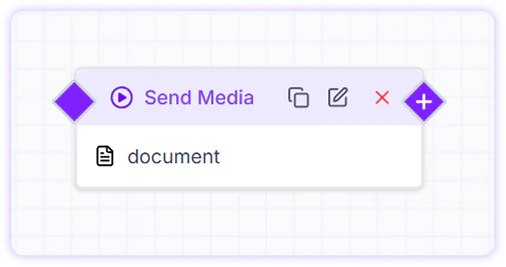
Use the Send Media card whenever you need to share any media file with your customers. Turbodev supports sending Audio, Image, Video, and Document files, provided they meet the supported size limits and formats.
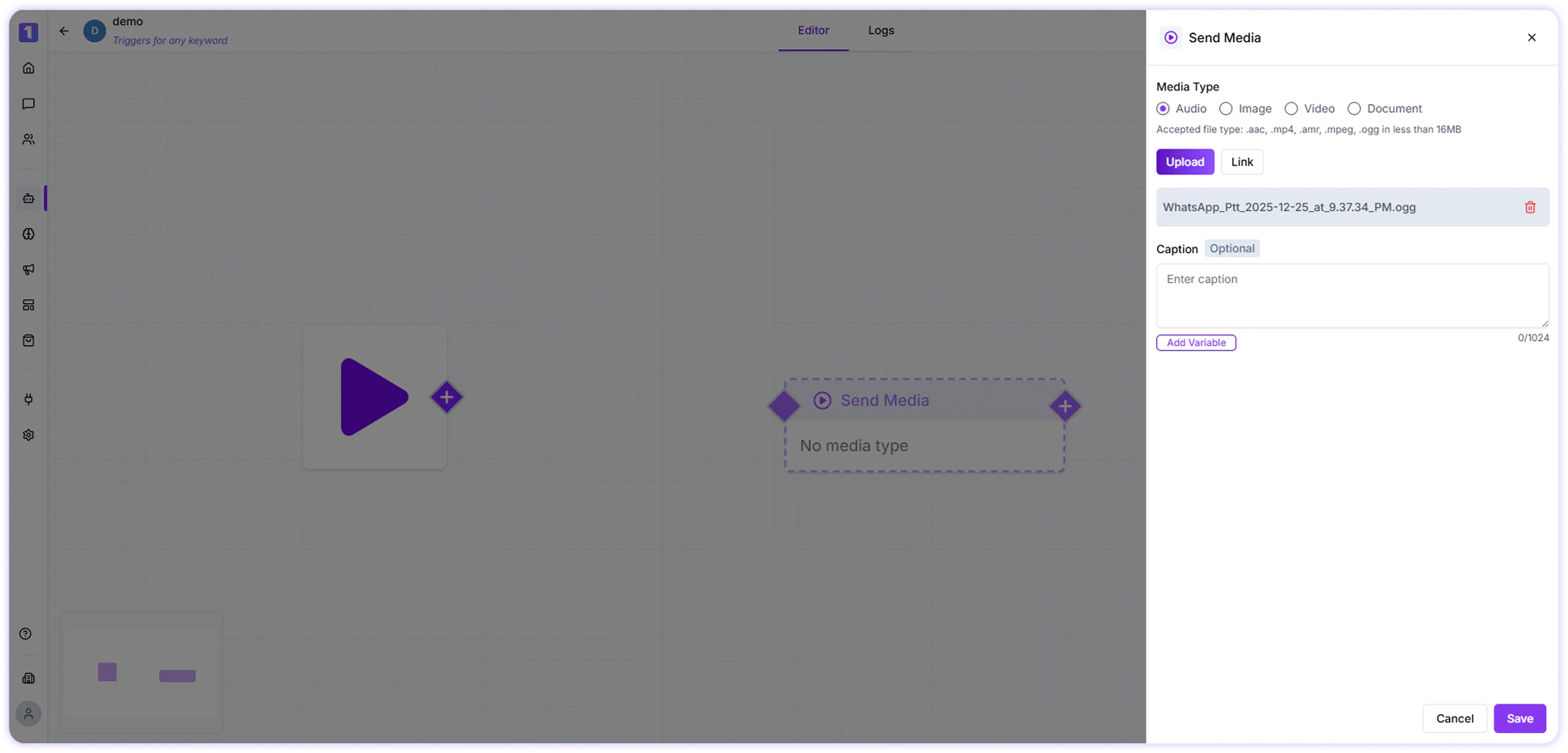
Audio
You can attach pre-recorded audio files to send voice notes or audio messages to customers.
-
Maximum file size: 16 MB
-
Supported formats: aac, mp4, amr, mpeg, ogg
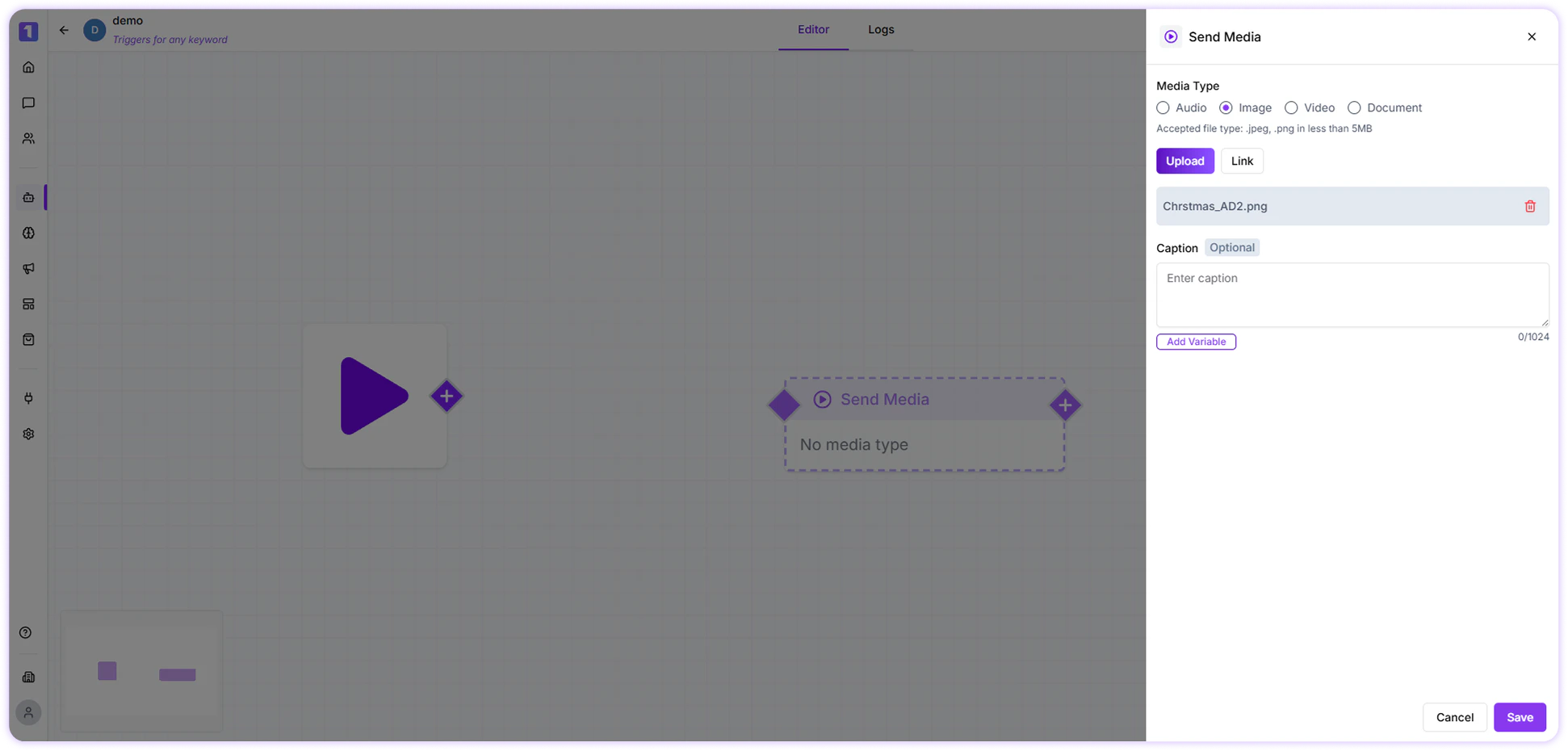
Image
Images can be shared to visually explain information, showcase products, or send creatives.
-
Maximum file size: 5 MB
-
Supported formats: jpeg, png
-
You can add a caption to provide context or description for the image
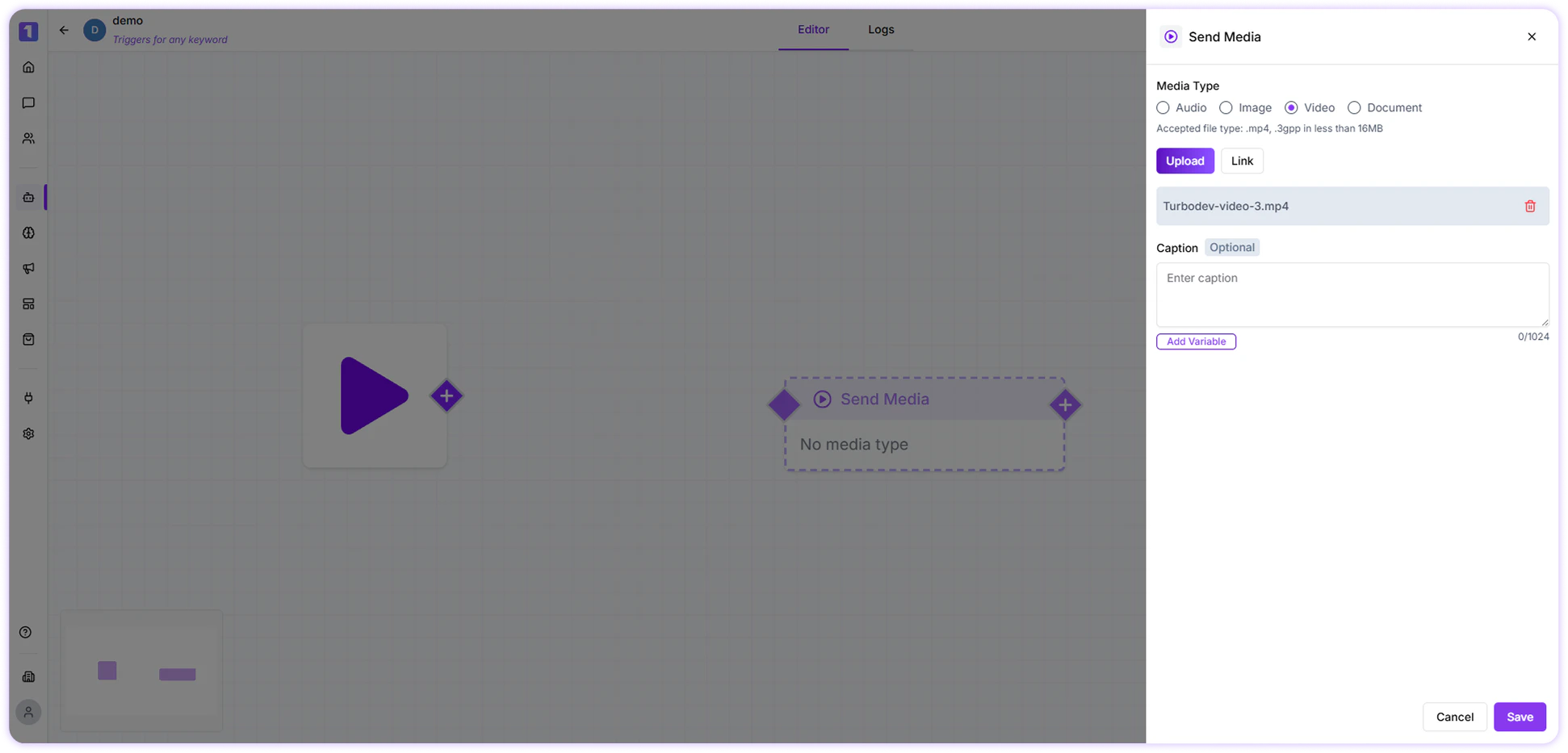
Video
Videos help deliver detailed explanations, demos, or walkthroughs.
-
Maximum file size: 16 MB
-
Supported formats: mp4, 3gpp
-
You can include a caption to describe the video or guide the customer
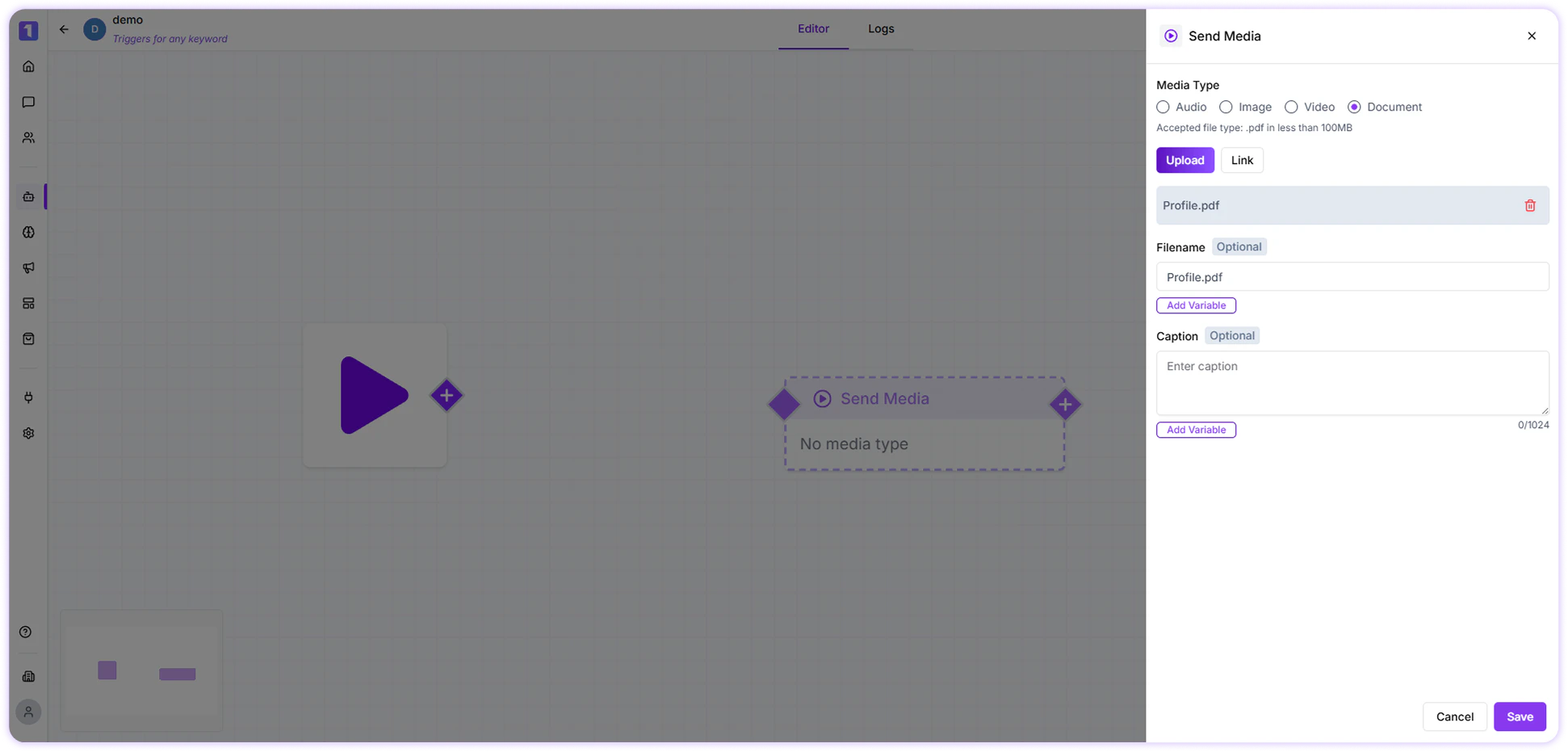
Document
Documents such as PDFs, brochures, invoices, or guides can be sent directly to customers.
-
Maximum file size: 16 MB
Instead of uploading a file, you can also paste a direct media link (audio, image, video, or document) and send it to the customer through the Send Media card.
While building or editing a flow, you can manage the Send Media card easily:
-
Edit the card to change the media or caption
-
Duplicate the card to reuse it elsewhere in the flow
-
Delete the card if it’s no longer required
These options appear when you hover over the Send Media card, making media management quick and flexible.