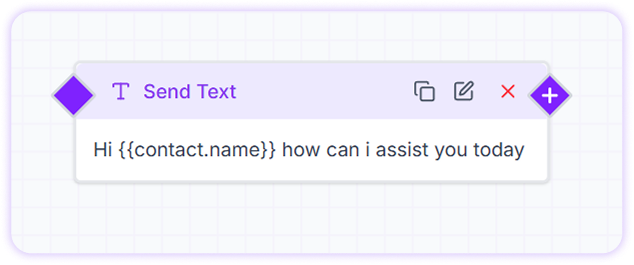
Send Text Card
The Send Text Card allows you to send plain text messages to customers with just a few clicks. It is commonly used in bot flows, automated follow-ups, and conversation handling to deliver clear and timely messages.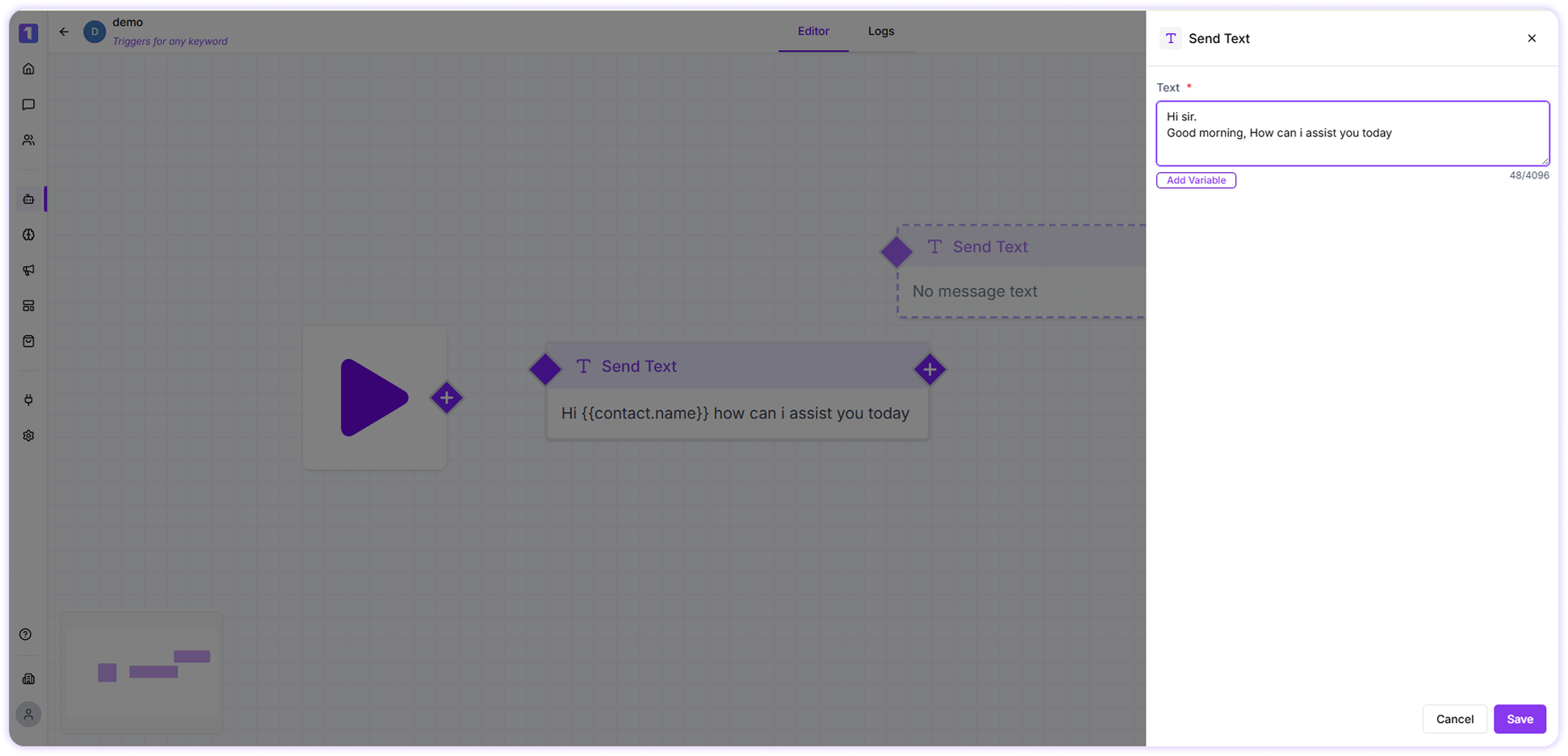
Use Variables
Variables help you personalize messages using customer data already available in Turbodev.For example, a message like:
Hello , how can we help you today?will automatically replace
{{name}} with the customer’s actual name.
To add variables:
- Click on Add Variables
-
Select the required field from the dropdown list
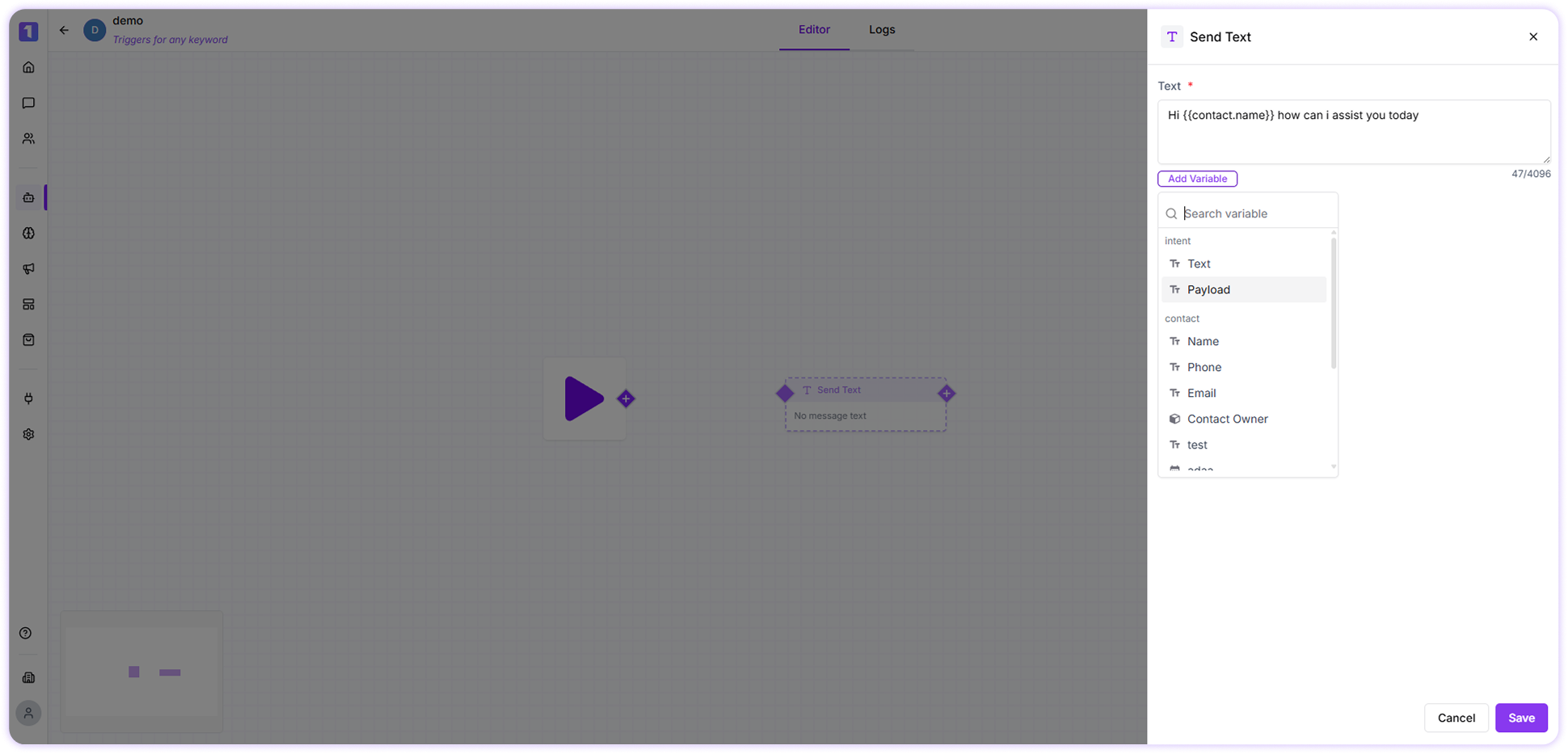
Ensure the selected variable contains data; otherwise, it may appear blank in the message.
Edit, Duplicate, or Delete Send Text Card
You can manage Send Text cards easily while building flows:- Edit the card to update the message content
- Duplicate the card to reuse the same message in another part of the flow
-
Delete the card if it is no longer needed